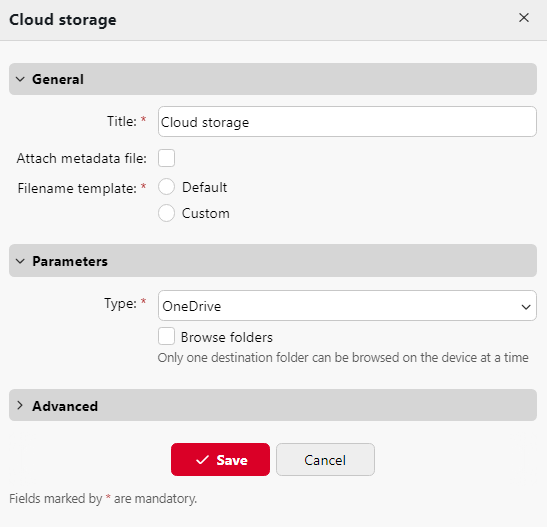
To enable scanning to OneDrive:
-
Open an Easy Scan terminal action and on the Destinations tab select Cloud storage in the +Add dropdown.
-
Select the OneDrive option in the Type drop-down under Parameters. Select the Browse folders option if you want users to be able to browse one of their cloud destinations folder on the device.
-
Click Save.