
In order to use many cloud storage locations as a destination for Easy Scan, or source for Easy Print, individual users must connect their MyQ account to their personal cloud storage. The methods described below allow users to connect to:
-
OneDrive
-
OneDrive for Business (if connection was created manually and the option Application has access to OneDrive for Business of all users was not checked)
-
Google Drive
-
Box
-
Dropbox
-
SharePoint Online
If certain conditions are met, users will be able to connect their MyQ account to any cloud storage listed above. The conditions are:
-
There is at least one Easy Scan or Easy Print terminal action with this destination.
-
The user has rights to see the Easy Scan or Easy Print button or is connected to cloud drive.
Users can then connect their cloud storage in one of two ways:
Via Home Screen Widget
After logging into their MyQ account, users with unconnected cloud storages will see a Cloud Storage Widget on their Home screen.
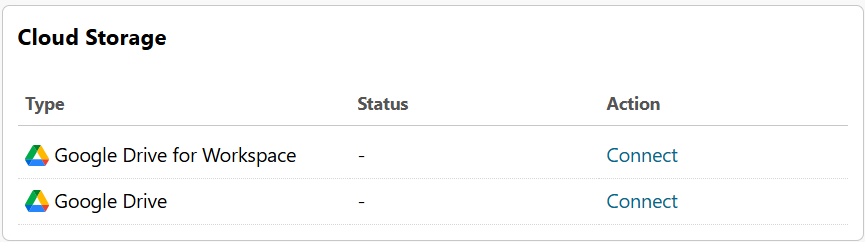
They simply need to click connect in this widget and follow the on-screen prompts to connect.
Via Email
If a user attempts to Easy Scan to or Easy Print from a cloud storage which is not connected, they will receive an automated email prompting them to connect.
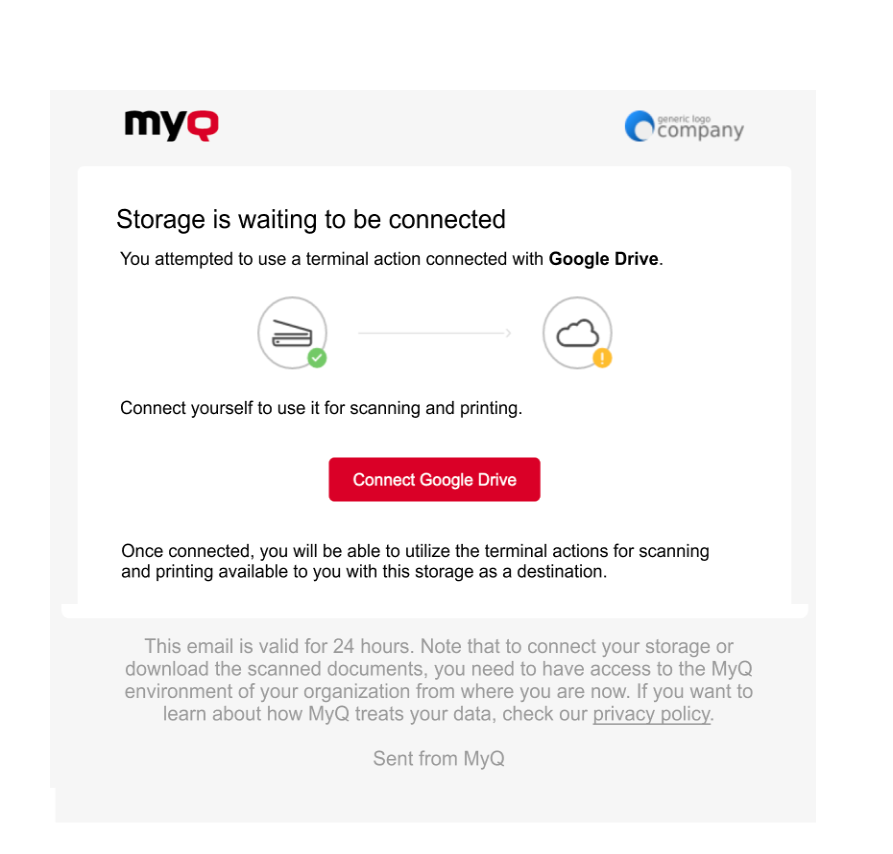
They simply need to select Connect [cloud storage] in this email and follow the on-screen prompts to connect.