This article describes how to configure the Easy Print terminal action to print from OneDrive for Business.
Prerequisite
Configure Easy Print with the source OneDrive for Business
-
Go to MyQ > Settings > Terminal Actions.
-
Select Easy Print and click Edit.
If the action is not visible, to add it go to Add Action > Print > Easy Print. -
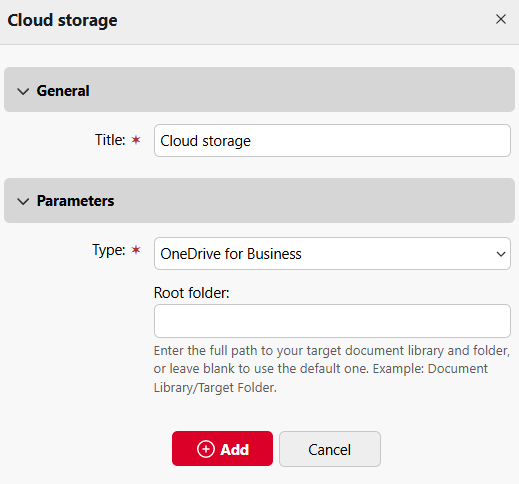
On the Storages tab, click Add and select Cloud Storage.
-
Under General, enter a title for the storage location.
-
Under Parameters, select OneDrive for Business as the Type.
-
(Optional) Specify the Root folder. The root folder is the highest level directory from which a user can print documents.
-
Click Add.