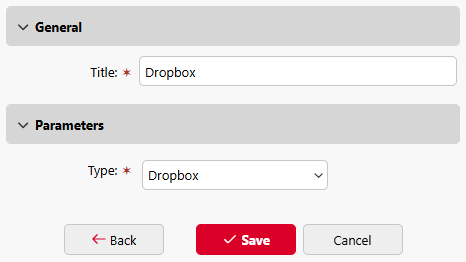
To connect Dropbox as a cloud storage to the Easy Print terminal action:
-
Go to MyQ > Settings > Terminal Actions.
-
If there is an Easy Print action already added, you can configure it by double-clicking it or create a new one by clicking on the actions menu then Add action into this folder and selecting Easy Print from the list.
-
In the options menu, go to Storages > Add > Cloud Storage.
-
Under General, you can rename your cloud storage, and under Parameters, select the Type (Dropbox) from the dropdown. Then click Add.