
Depending on your setup, you may see some of these options, while others are not accessible. If you are uncertain about which features you have access to, contact your administrator.
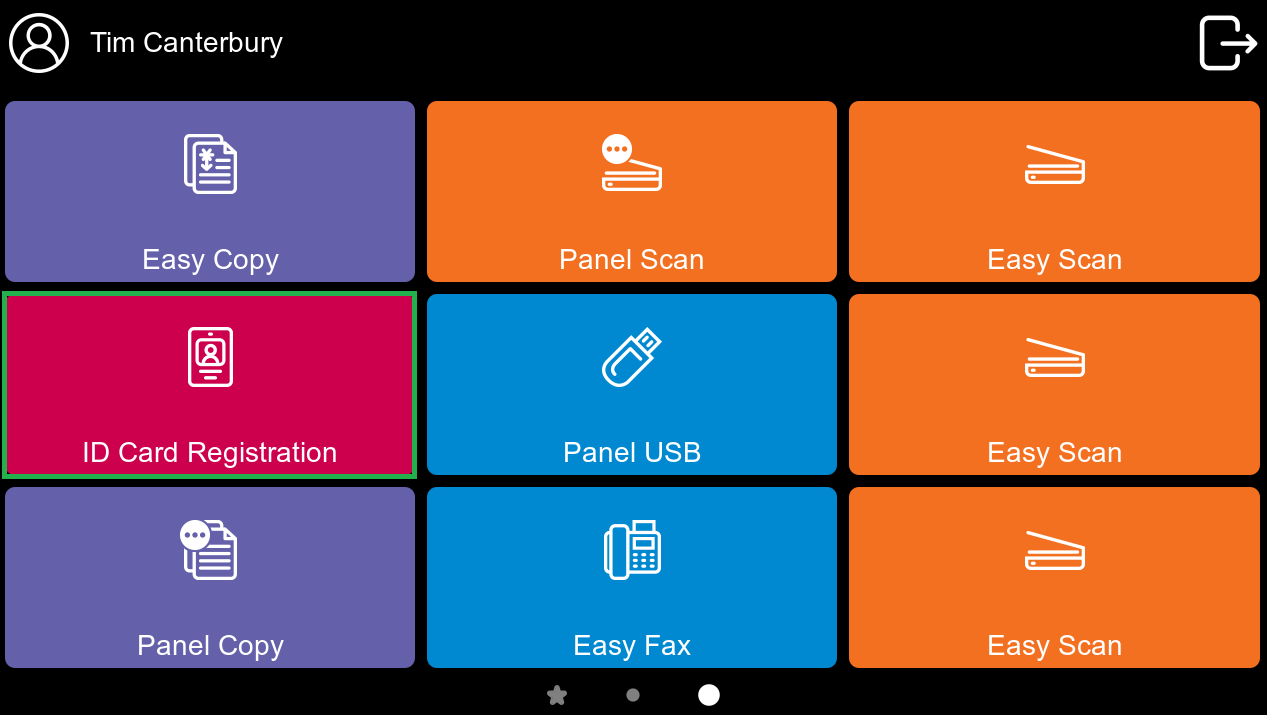
After tapping ID Card registration option, the ID Card registration screen opens, and you can register your card by swiping it on the card reader.
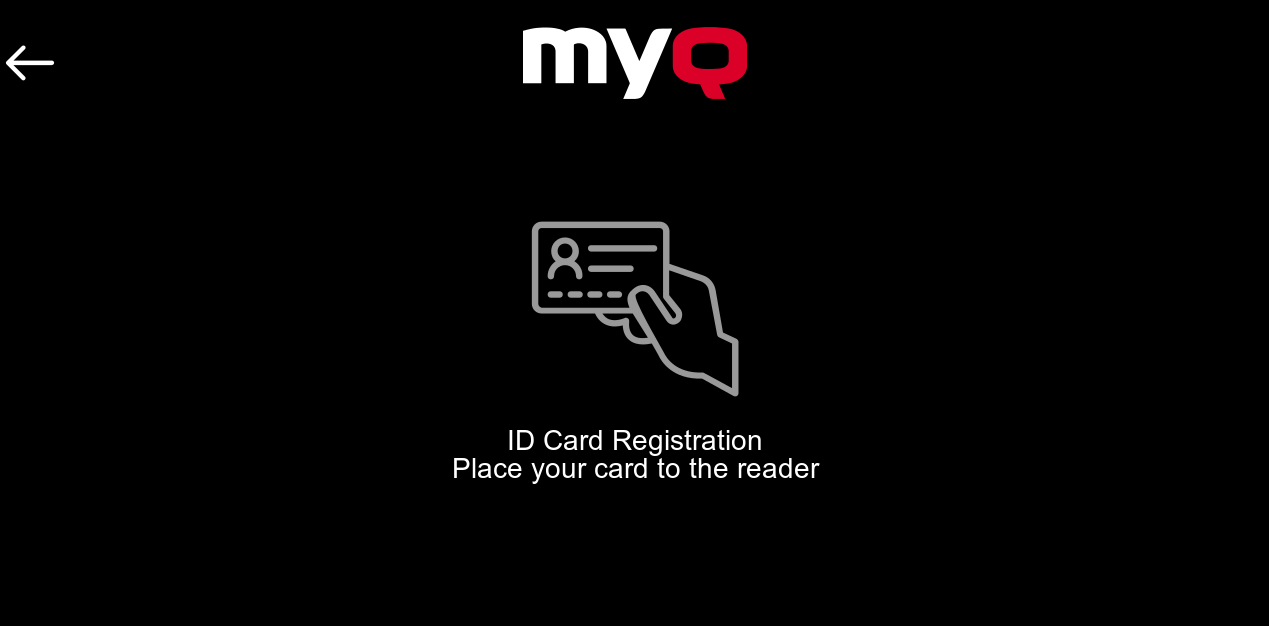
After swiping your card, use your login credentials to connect the card to your account.
In certain circumstances, you may be able to swipe a new unregistered card, and the device will prompt you to sign in with your credentials to register the card to your account. Read more in MyQ Embedded Terminal.