
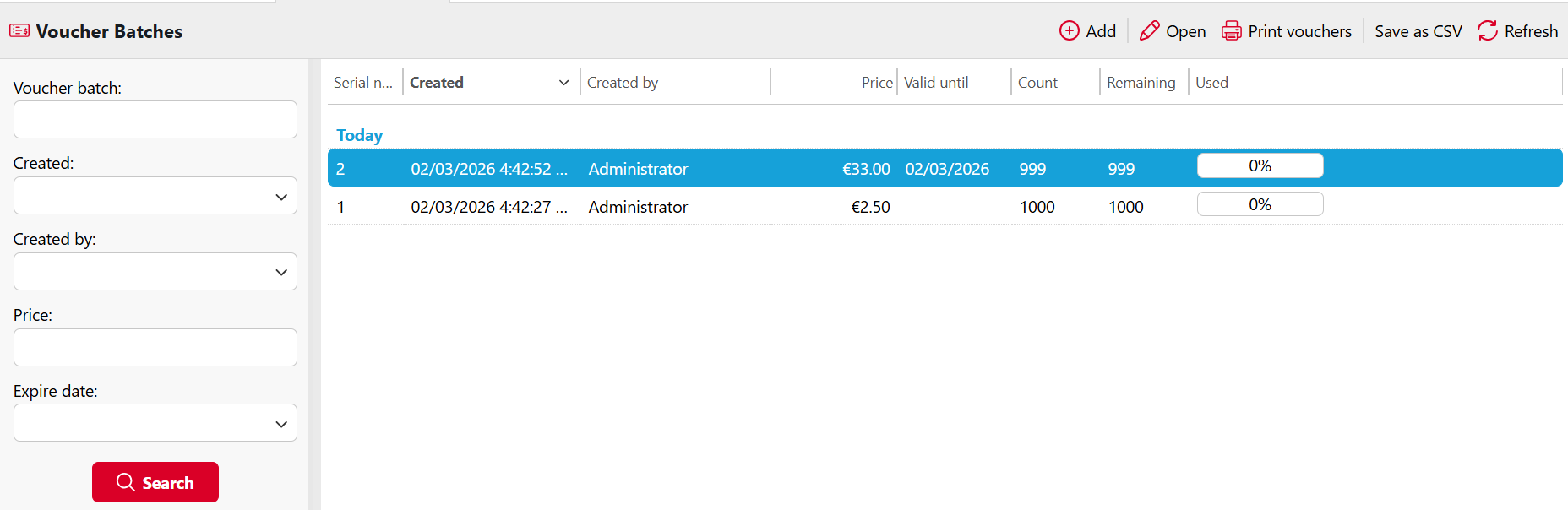
Vouchers can be generated on the Voucher Batches tab of the MyQ Web Interface.
Voucher batches can be filtered by serial number, date, creator, price, expiry date, etc. From the Voucher Batches main tab, you can export the list of voucher batches to a CSV, and display and print vouchers included in particular batches.
Add a Voucher Batch
-
Go to MyQ > Voucher Batches and click +Add. The Add voucher batch dialog box appears.
-
Enter the number of vouchers to be generated in the Count field, the Price of the vouchers, add the validity period in the Valid until field, and then click OK.
The new voucher batch record is displayed in the voucher batches list. Double-click a voucher batch to view its usage.