
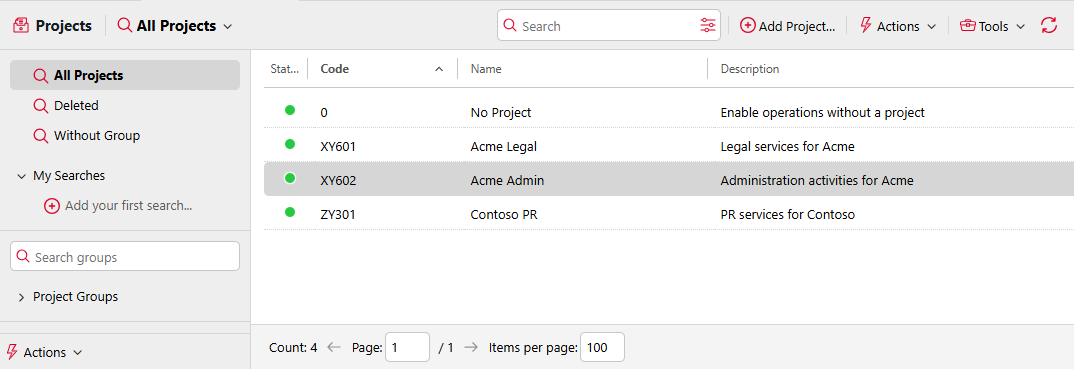
With the project accounting feature activated, users can assign print, copy, and scan jobs to particular projects and consequently distribute the print cost among the projects and charge it appropriately. Project accounting can also be used as another independent level of internal accounting in addition to devices, users, and groups. Projects can be manually created on the MyQ web interface or imported from a CSV file. They can be assigned to print jobs in the MyQ Desktop Client pop-up window, on the MyQ web interface, on an embedded terminal, on a touch panel of a HW terminal, or in the MyQ X Mobile Client app.
Enable Projects
Go to MyQ > Settings > Projects to enable or disable projects, and change the global settings of the projects feature.
-
Select Enabled to globally activate project accounting
-
Scan without project: Select this option to let users scan directly. To require users to select a project, leave this option unselected.