
An ODBC DSN must be configured before using the template.
ODBC template
MyQ Print Server Reports ODBC.pbit
To import the template provided by MyQ , open Power BI and:
-
Open the File menu, select Import, and click on Power BI template. Find and open the correct template according to your database.
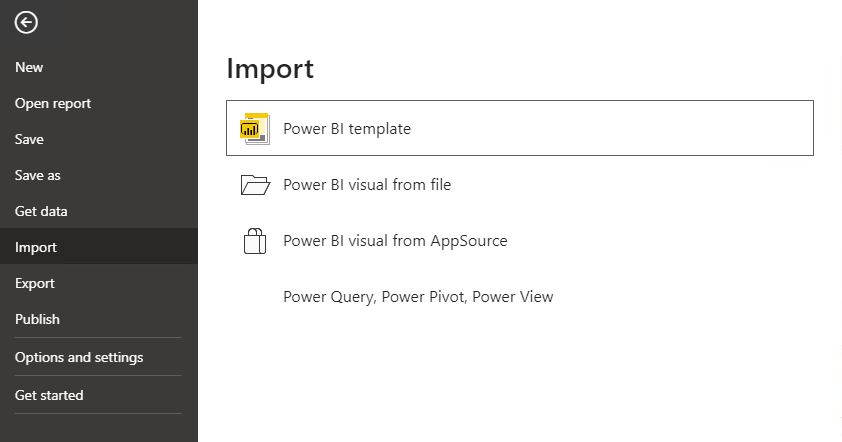
-
Establish the connection to your database:
-
Add the Data source name (DSN) you created in the ODBC Data Sources app and click Load.
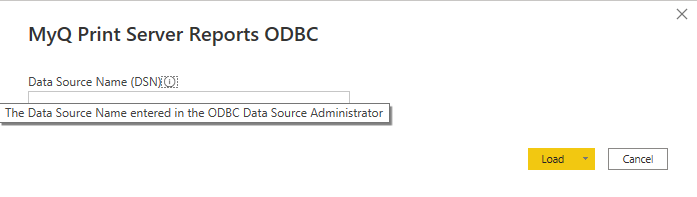
-
-
Power BI imports the data. The reports can be edited; the changes are saved in a different file so the template can be reused.