
MyQ administrators can save multiple different configurations for MyQ Desktop Client (MDC) and deploy different configurations based on location. For example, you can define different fallback printers in each office, or enable client spooling only for selected workstations only.
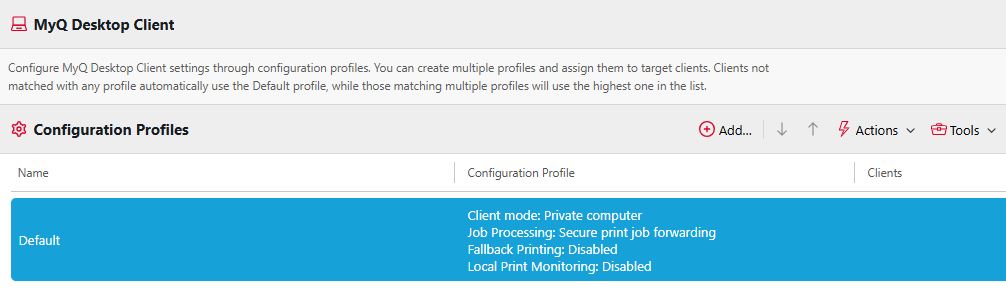
To manage MDC configuration profiles, go to MyQ > Settings > MyQ Desktop Client. Here you can create multiple configuration profiles, assign them to specific locations, and select print queues that will be installed on the computer.
Clients that are not matched in any of the profiles will use settings from the Default profile. If a client matches multiple profiles, the highest matched profile in this list will be used.
Settings available in the configuration profiles are similar to the settings described in the Desktop Client guide. See MyQ Desktop Client.
Show Effective Configuration of a Client
The Show effective configuration tool is available in MyQ > Settings > MyQ Desktop Client, and allows you to see which configuration profile is being used by a particular client, based on its IP range or hostname.
Select Tools, Show effective configuration, and specify the client IP or hostname of the client you would like to see the configuration profile of. The Configuration profile, Authentication settings, and Job processing settings of the relevant configuration profile are listed.