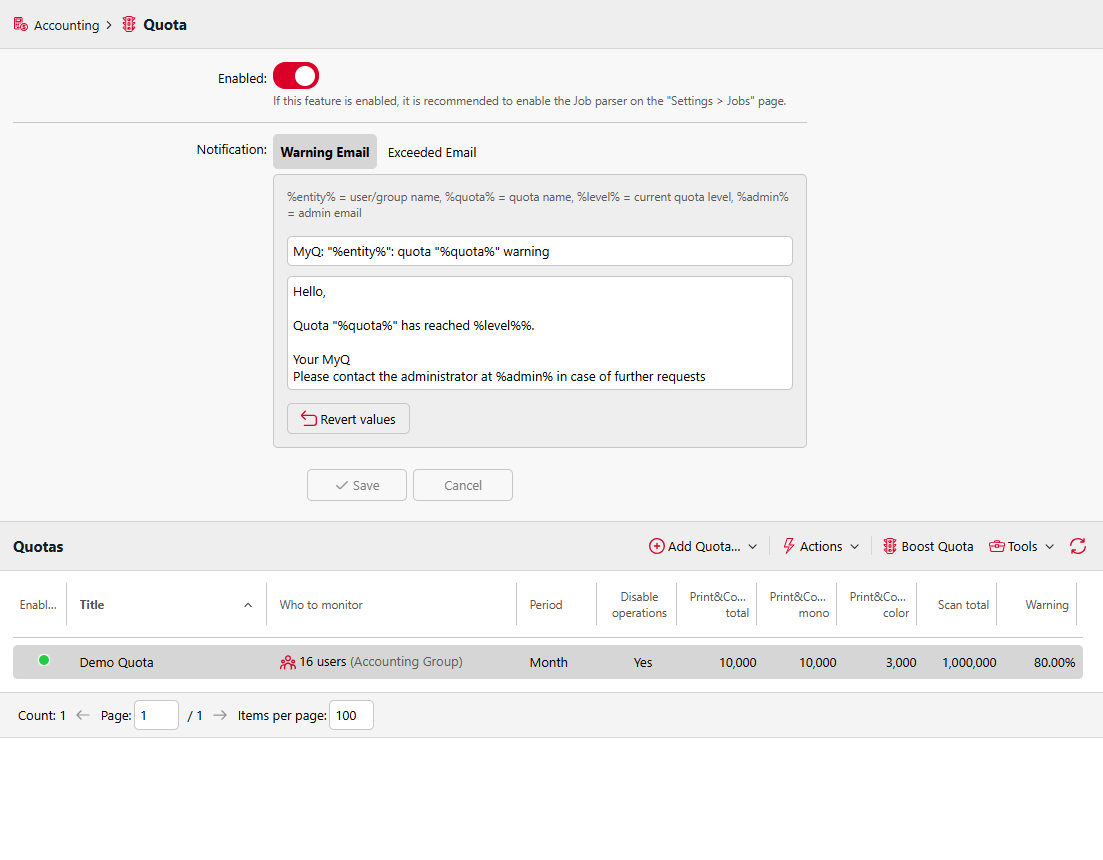
To enable the Quota feature, go to MyQ > Settings > Quota and select Enabled at the top of the Quota settings tab. Each quota can then be individually enabled or disabled on its properties panel.
In the Warning Email tab you can type the subject and the body of the email that is sent after reaching the preset warning (e.g. 80% of the quota) and, on the Exceeded Email tab, the subject and the body of the email that is sent when the limit of a user or group is reached or exceeded.