Skip table of contents

Panel Copy

The Panel Copy action opens the printing device's copy screen.

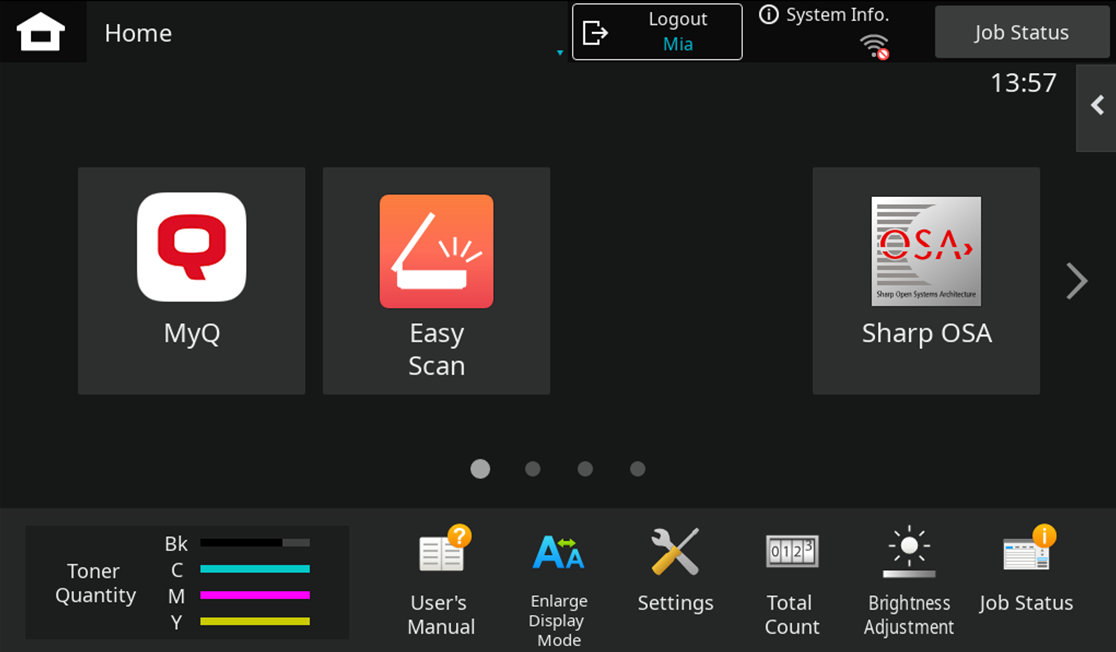
To leave the panel and return to the MyQ menu, tap the Home button, and then tap MyQ.
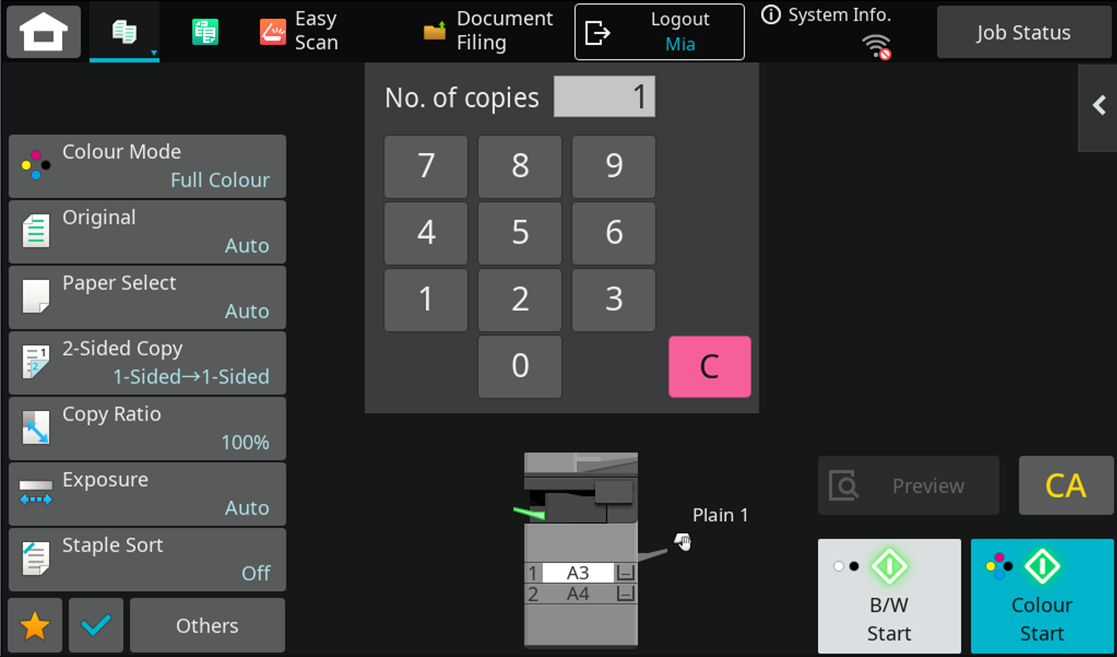
image-20260211-144556.png

image-20260211-144644.png

On devices with MX-AMX3 External Accounting Module (EAM) only, it is required to use the Logout button.
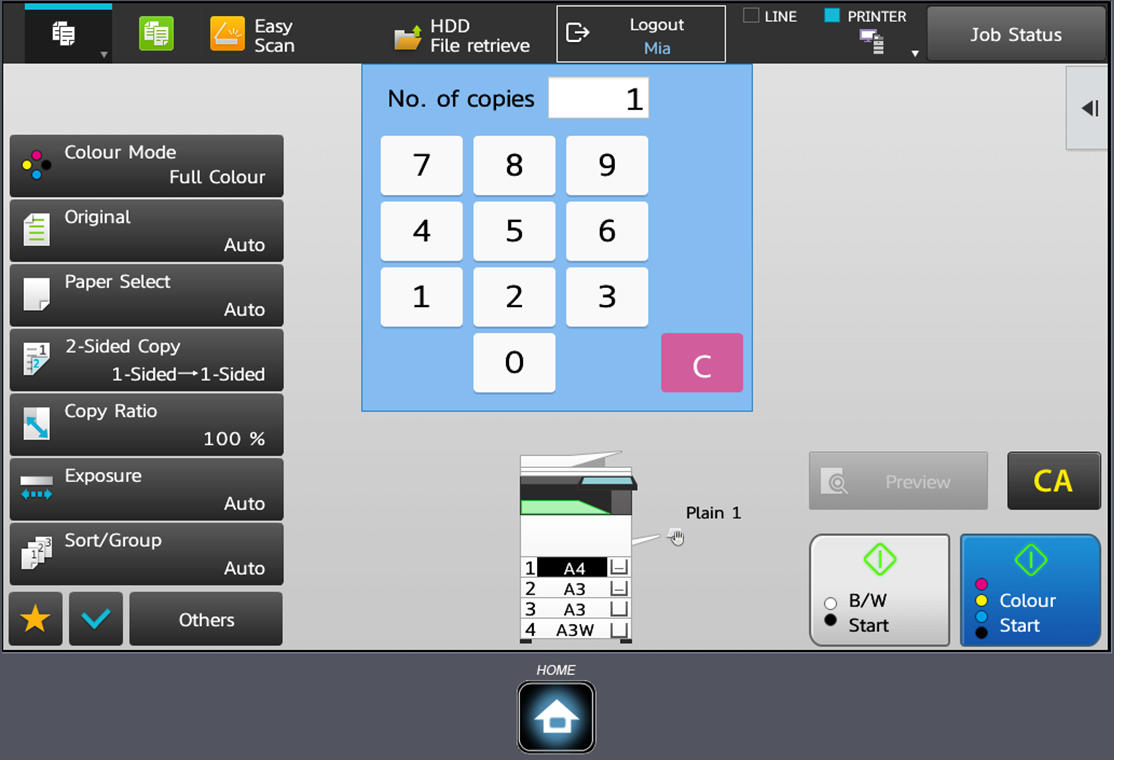
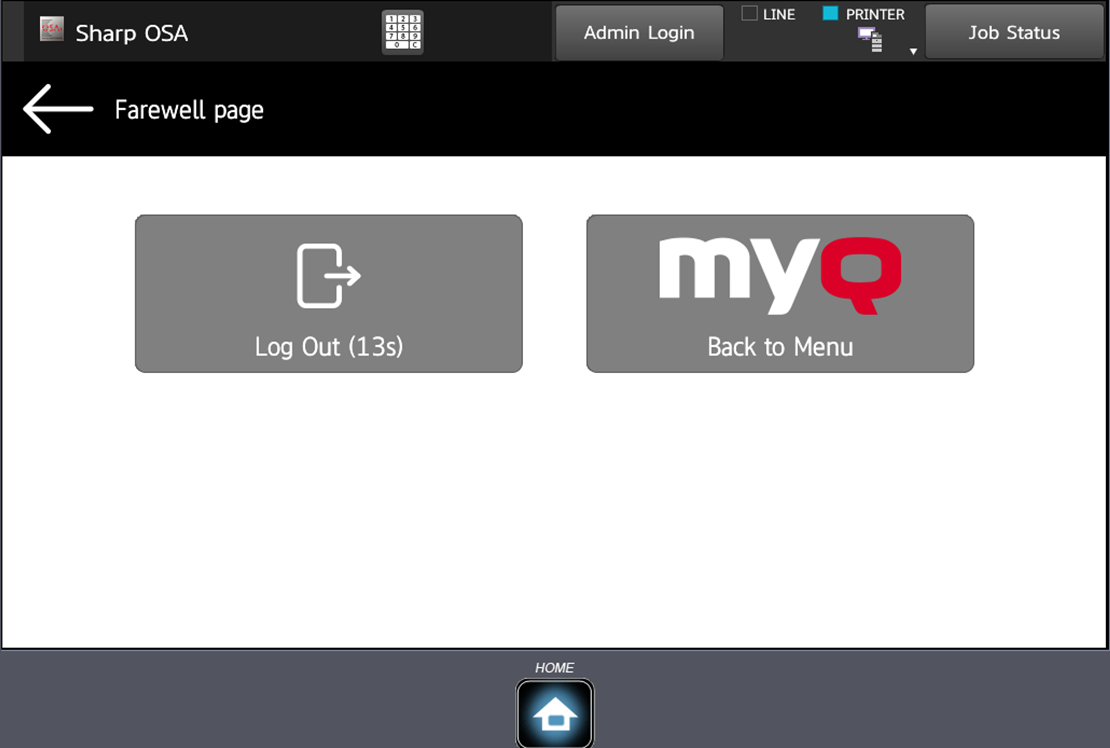
image-20260211-144846.png

image-20260211-144941.png

JavaScript errors detected

Please note, these errors can depend on your browser setup.

If this problem persists, please contact our support.