
Congratulations! Hopefully, you have completed your MyQ setup and printed your first jobs. Your server is running, devices are connected and activated, queues are assigned, and your server has already seen some activity.
View Job Activity
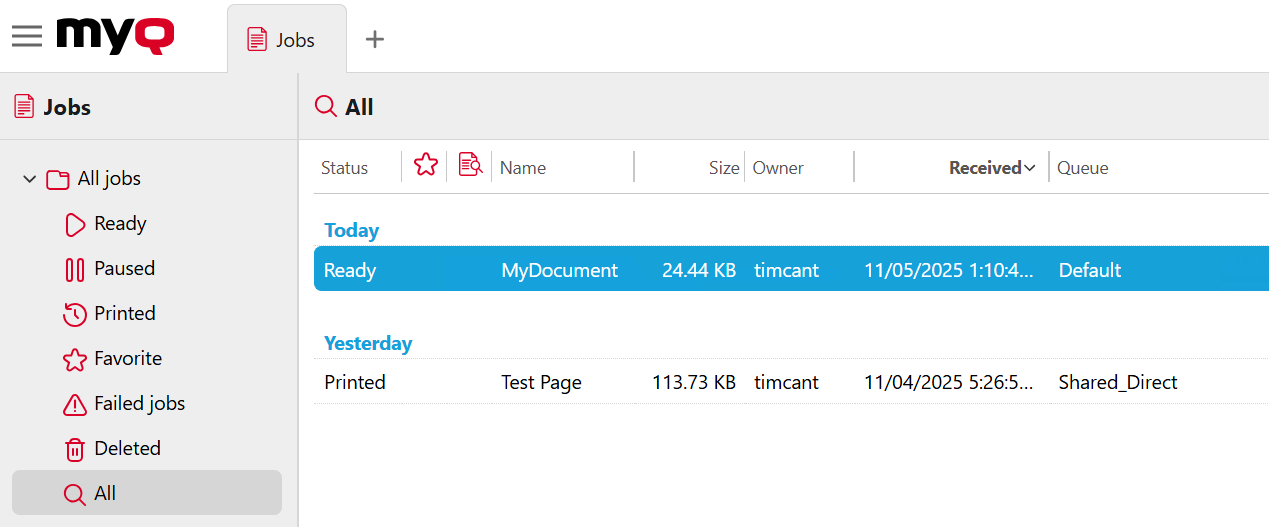
To view the job history, go to MyQ > Jobs and click All.
Now you are ready to:
-
Integrate with your authentication services and automate user import and synchronization.
-
Add multiple devices with automated printer discovery.
-
Implement print job and user policies.
-
Manage usage and costs by with accounting features such as Credit, Quota, and Projects.
-
Integrate with payment providers to enable users to recharge their credit.
-
Enable user storage in local network and cloud, for scanning and printing.
-
Set event notifications to monitor device status.
-
Configure advanced scanning workflows or mobile printing.
More information:
-
For best practices about planning and operating your print management environment, see the Deployment guide.
-
For details about implementing features such as accounting, discovery, user synchronization, user cloud storage, and more, see the Print Server guide.