
The Profile shortcut opens the Profile screen, where you can see current information related to your account.
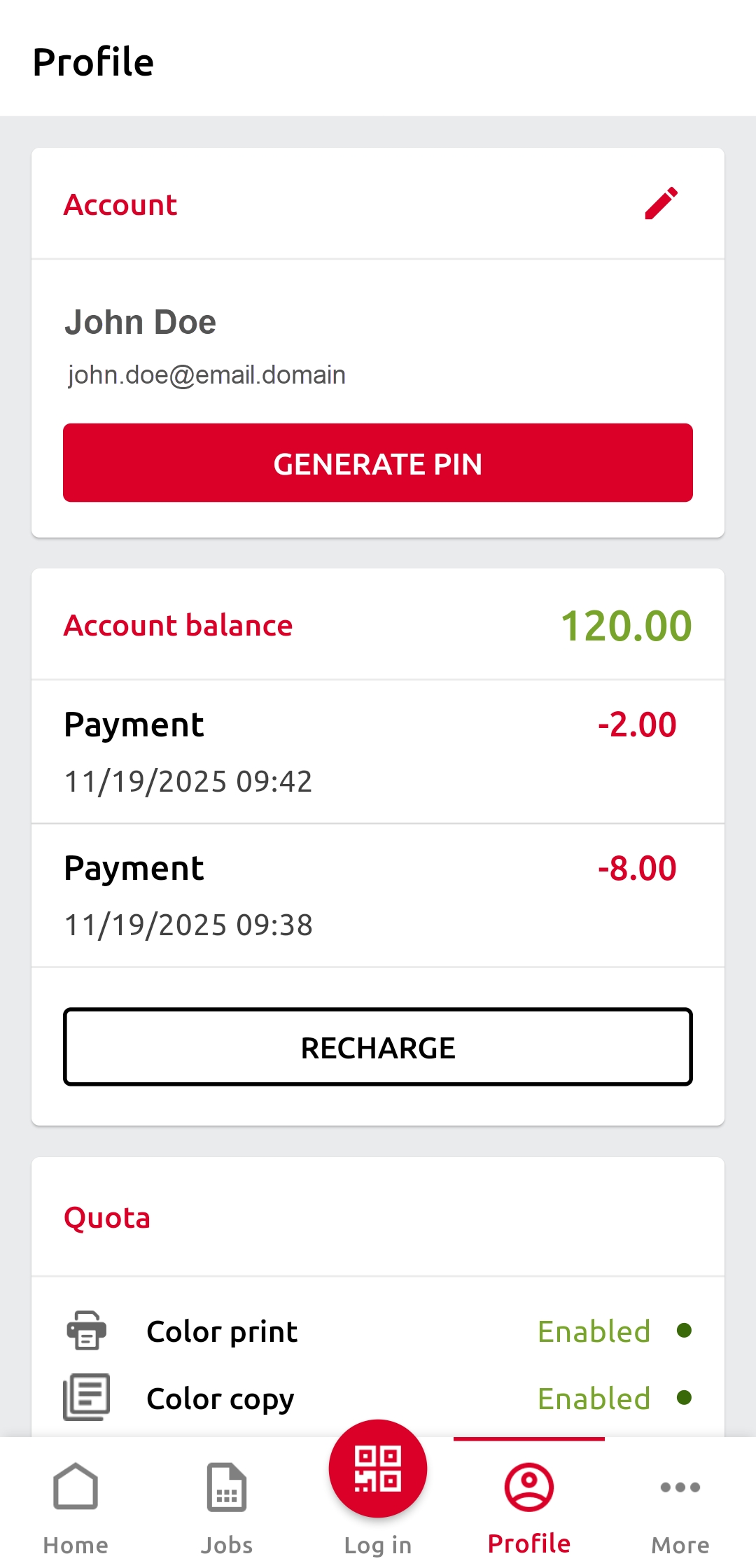
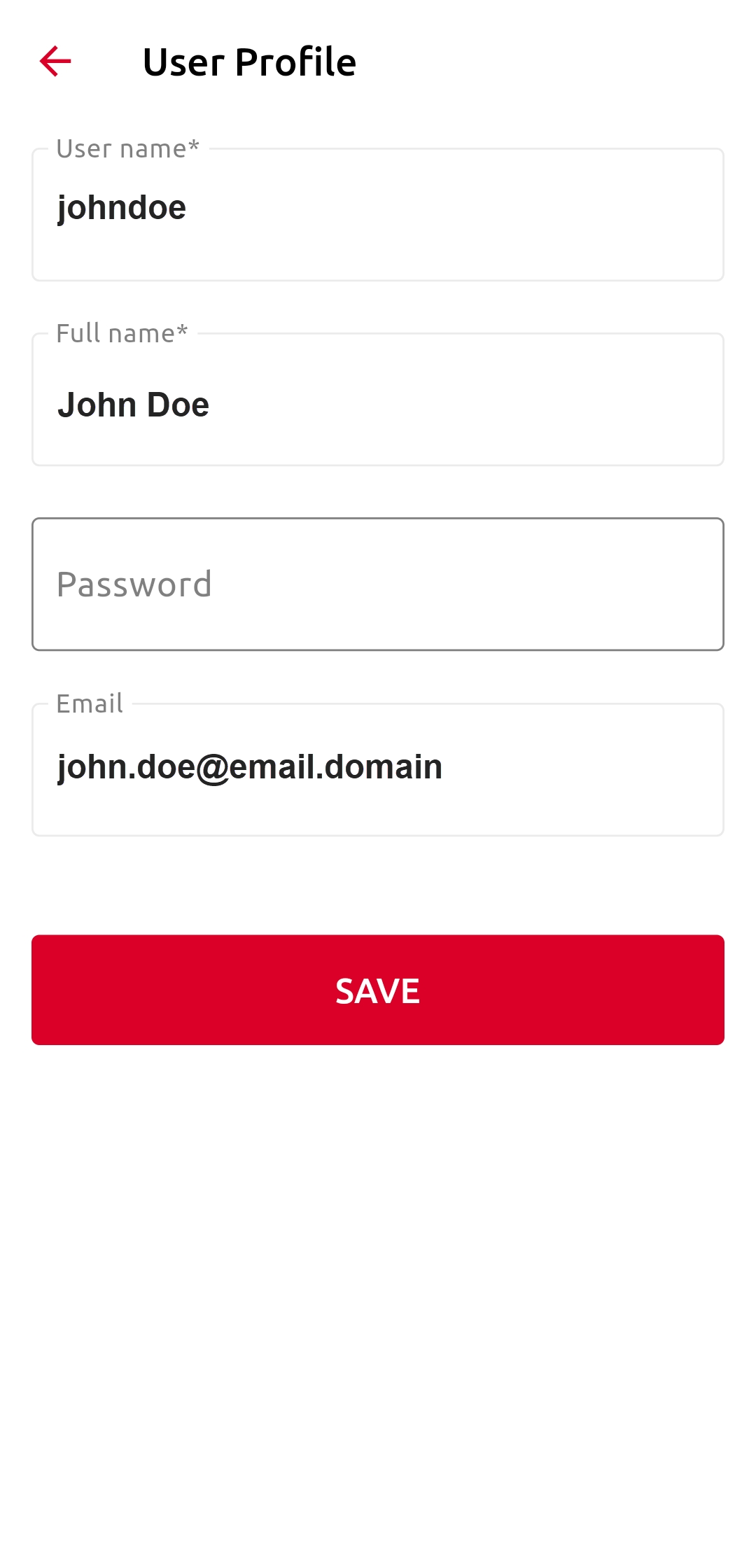
In the Account section, to change the password and email address associated with your account, tap the Edit (pencil) icon.
To generate a new PIN code, tap GENERATE PIN.
In the Account balance section, view your credit balance and tap RECHARGE to recharge your account.
In the Quota section, you can view the quotas assigned to you and their current status. This section is visible only if the Quota feature is enabled on the MyQ Server.