
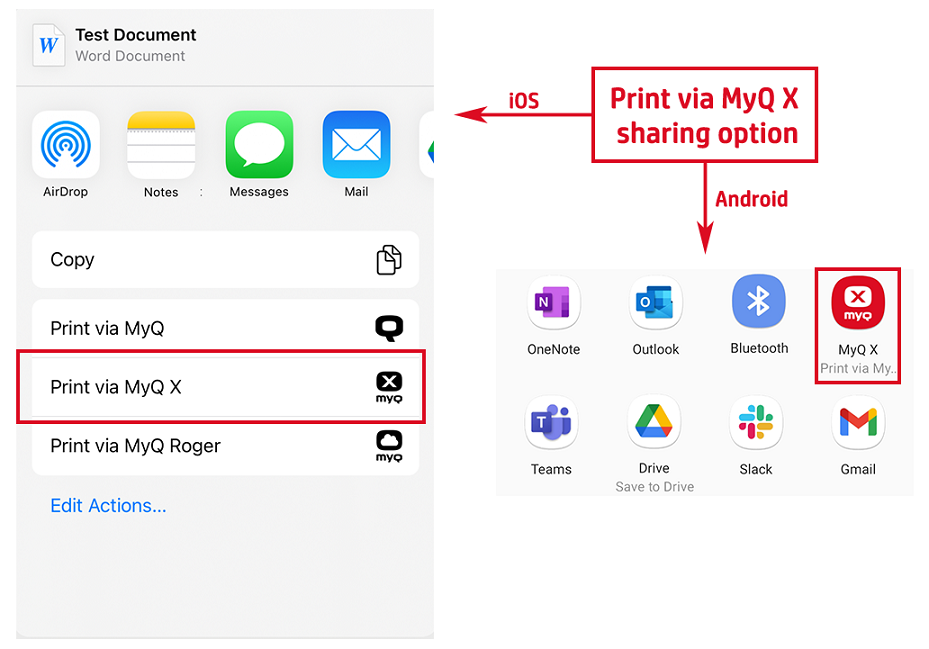
You can print directly from mobile apps and from mobile web browsers. Share the file via the Print via MyQ X sharing option.
The print job management dialog box appears, where you can change the print job's properties (color/B&W, simplex/duplex, number of copies, page range, etc.), and then tap PRINT to send the print job to MyQ.
If project accounting is activated on the MyQ server, you can also assign a project to the print job. To assign a project, tap the field under Project, and then select the project from the list.
On iOS devices, you have to enable the Print via MyQ X sharing option under More > Activities.