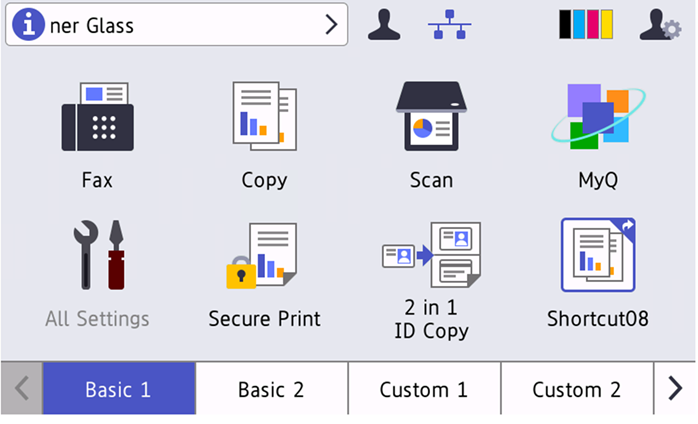
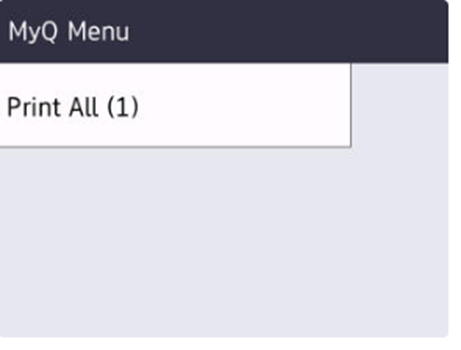
This action prints all jobs that are waiting in queue in the Ready and Paused states, including jobs delegated by other users.
If a new job becomes ready while user is logged into the terminal, the page won’t update automatically. However, if there are no ready jobs, tapping the Print All (0) button will refresh the page.
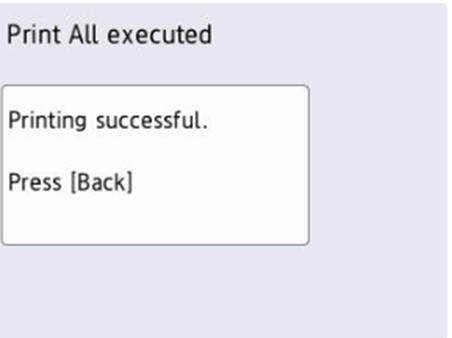
Once the jobs are released the following message is displayed.
You can configure the device to display Print All immediately after login in Administrator > Solutions > Screen displayed after Login should be set to Solutions Menu.
Alternatively, it can be displayed after the pressing the Solution button in Administrator > Solutions > Screen displayed after Login should be set to Home Screen.