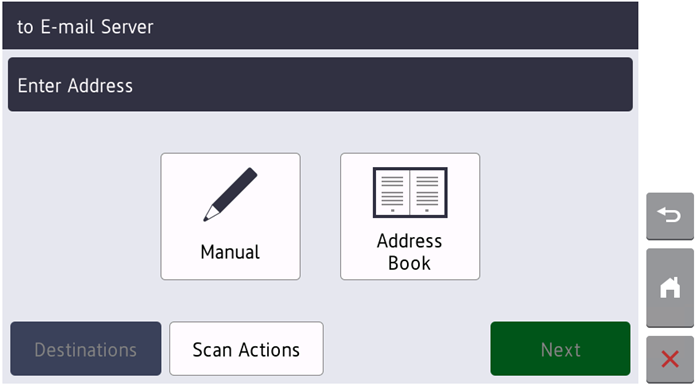
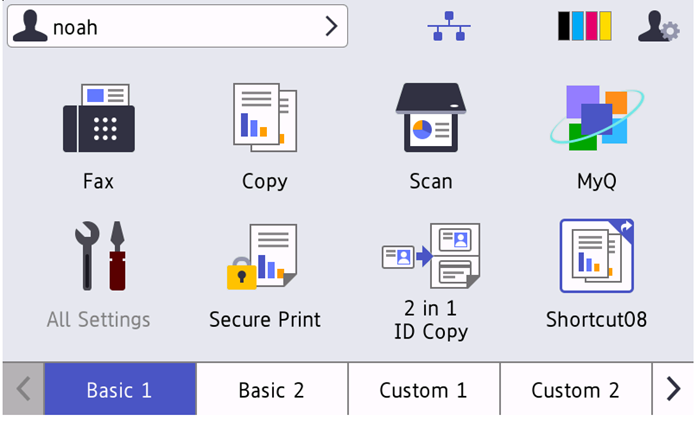
Panel Scan is accessible after pressing the Home button. In the Brother native UI it is possible to open the device's Scan screen.
To enable scanning on the terminal, make sure that your MyQ server is set as the SMTP server on the printing device Web User Interface.
To leave the panel and return to the MyQ menu, click the Home button, and then select MyQ.