
This terminal action shows all the jobs that can be printed on the printing device. Users can manage their ready, favorite, and printed jobs here.
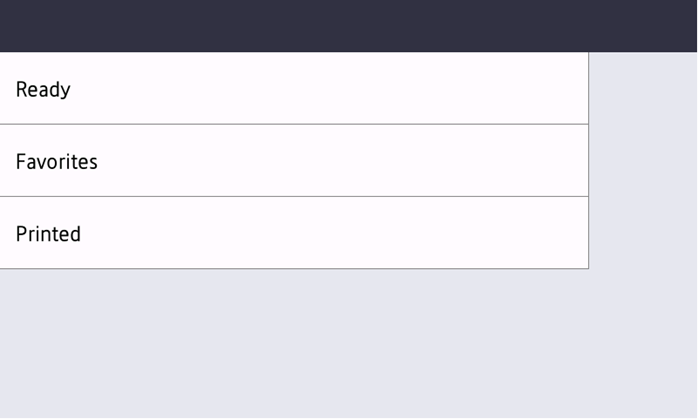
Ready jobs: can be opened by selecting Ready. It contains jobs waiting in the queue, ready to be printed.
Favorite jobs: can be opened by selecting Favorites. It contains a list of jobs you have marked as favorites.
Printed jobs: can be opened by selecting Printed. It contains a history of your printed jobs.
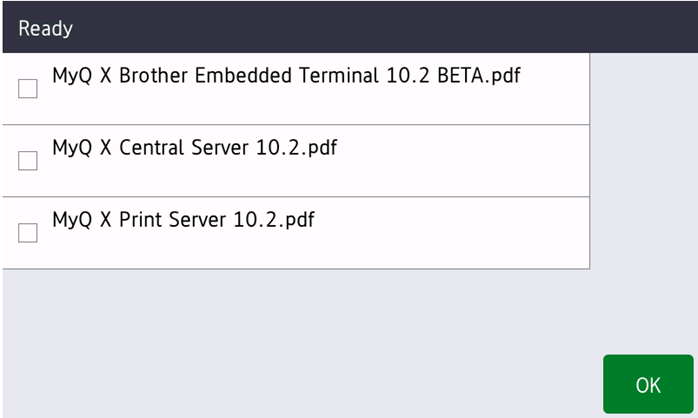
Managing jobs on the My Jobs screen
To display the available job management options, select the job from the list. After clicking OK it is possible to edit job properties.
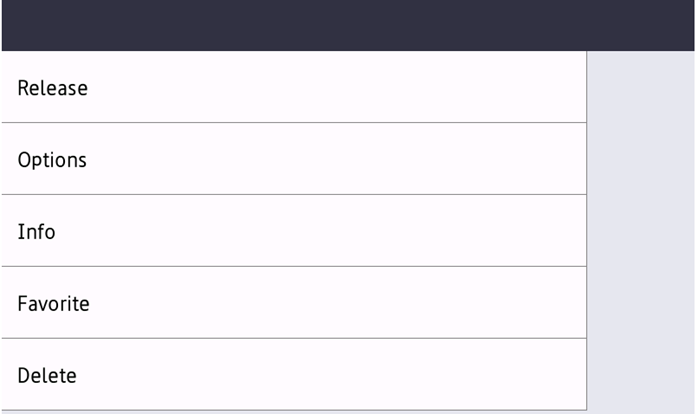
On the screen, you can select from the following options:
Release: Click Release to start printing the selected jobs.
Options: Click Options to change the job parameters.
Info: Click Info to display the job information screen.
Add to favorites: Click Favorite to add the selected jobs to your favorites.
Delete from favorites: Click Favorite to delete the selected jobs from your favorites.
Delete: Click Delete to delete the selected jobs.