
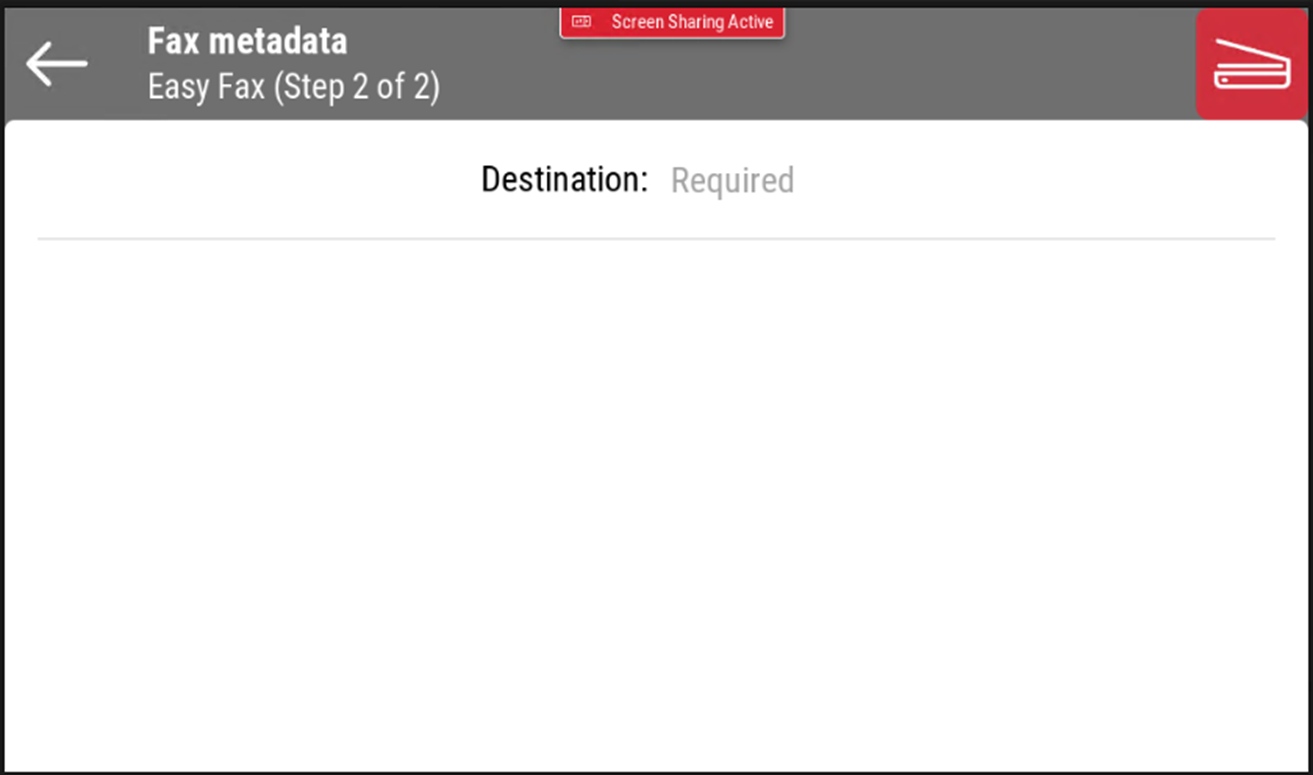
Faxing in two clicks. Simply select the desired parameters (if enabled on the server) and specify the destination.
Easy Fax is only available on EIP 5.1+.
Easy Fax Parameters
-
Fax resolution - Resolution of the outgoing fax file. You can select from the following options:
-
Normal
-
Fine
-
Super Fine
-
Ultra Fine
-
Default
-
-
Duplex - Simplex and Duplex scanning options. You can select from the following options:
-
Single Sided
-
Duplex - binding on top
-
Duplex - binding on side
-
Booklet - binding on left
-
Booklet - binding on right
-
Default
-
-
Original Image - Determines the way in which the printing device is going to process the scanned page. You can select from the following options:
-
Text + Photo
-
Photo
-
Text
-
Deafult
-
-
Size - Specify the size of the page to be faxed.
-
A3
-
A4
-
A5
-
A6
-
B4
-
B5
-
B6
-
Folio
-
Ledger
-
Letter
-
Legal
-
Statement
-
Oficio II
-
Default
-
-
Original Orientation - Specify the orientation of the page to be faxed.
-
Top Edge on Top
-
Top Edge on Left
-
Default
-
-
Density - Density of the picture in the outgoing file. The higher it is, the darker the resulting picture is. You can select from the following options:
-
Automatic
-
Lowest
-
Lower
-
Low
-
Normal
-
High
-
Higher
-
Highest
-
Default
-
-
Continuous Scan - Enable this option if you wish to scan several pages to create one file.
-
Enabled
-
Disabled
-
Default
-
Continuous Scan is not currently supported.