
The ID card registration button will only be available on devices with an ID Card Login method enabled (either as a log-in method or as part of two-factor login).
After tapping this action, the ID Card registration screen opens, and a user who has already logged in using other credentials can register their card by swiping it at the card reader.
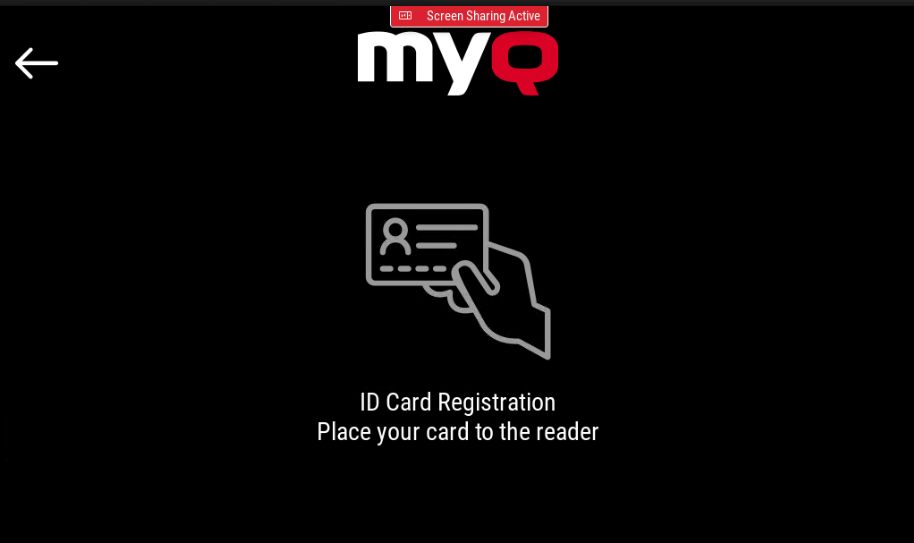
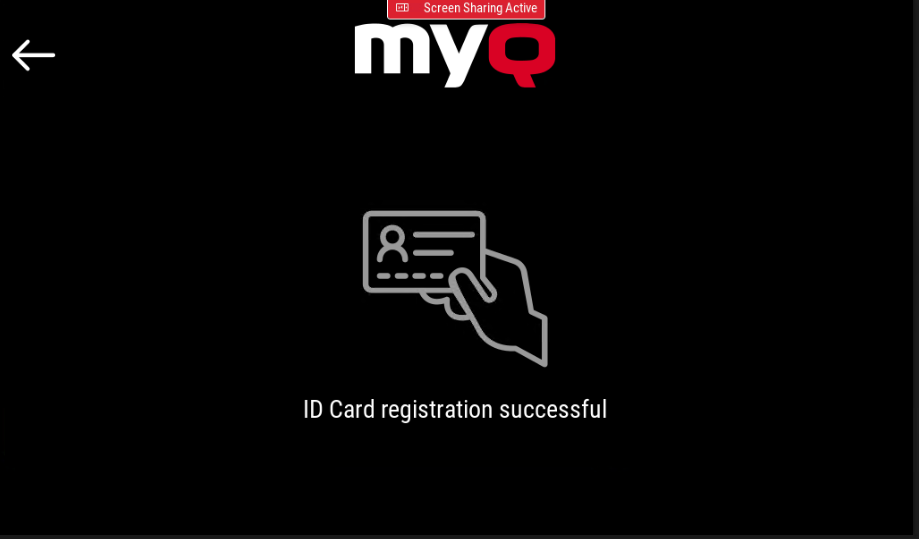
If the card is successfully registered, it displays the following message: "ID card registration successful".
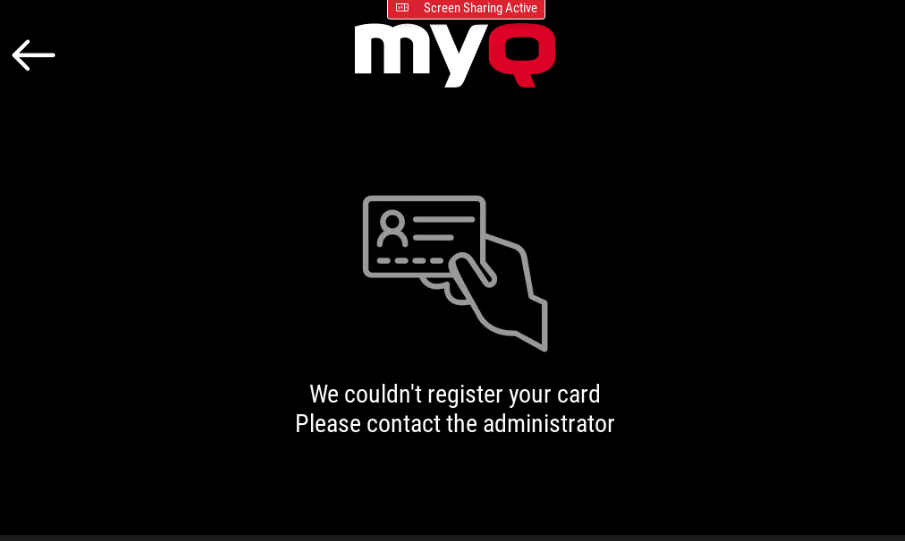
If the card is not successfully registered, it displays the following message: "We couldn’t register your card. Please contact the administrator"
The following limitations apply to ID Card Registration:
-
Unsecure mode must be disabled.
-
The user must not use the device panel during the ID card registration process.
-
On EIP 5.1 devices newly registered cards cannot be used for logout during the first session. The first logout has to be done manually. After this, the card can be used.