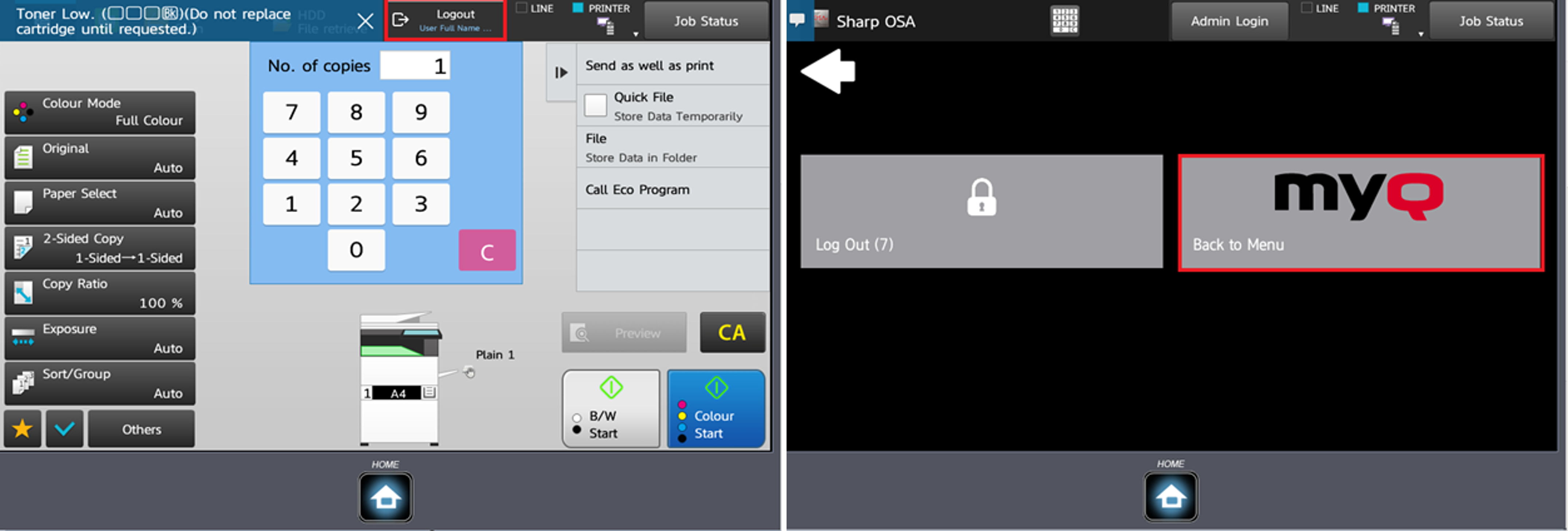
The Panel Copy action opens the printing device's copy screen.
To leave the panel and return to the MyQ menu, tap the Home button, and then tap MyQ.
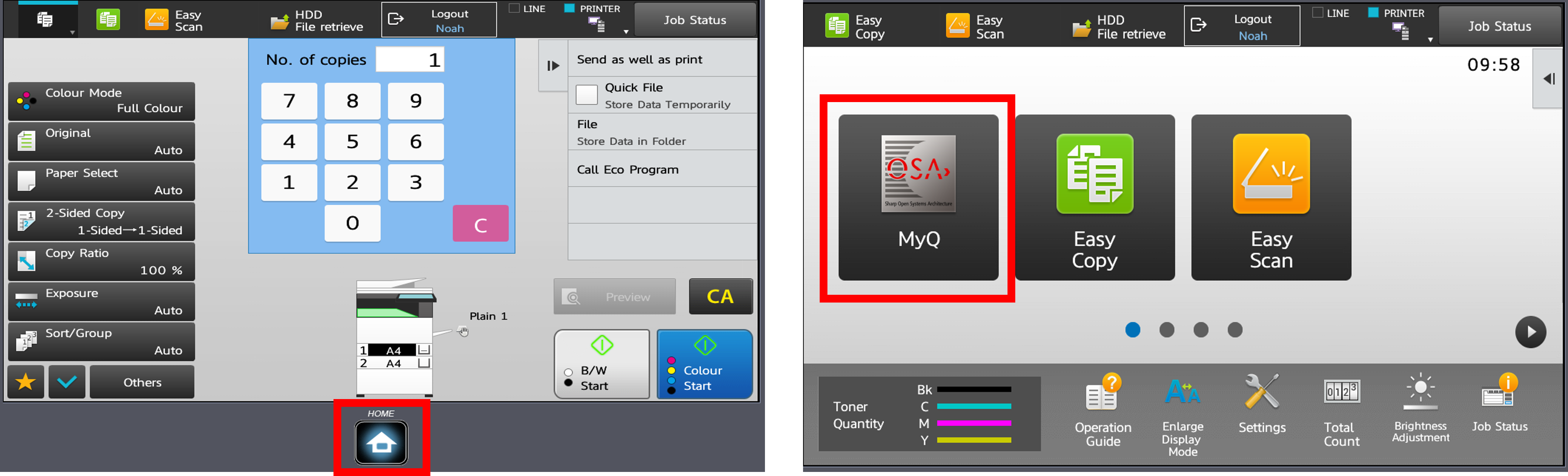
On devices with MX-AMX3 External Accounting Module (EAM) only, it is required to use the Logout button.