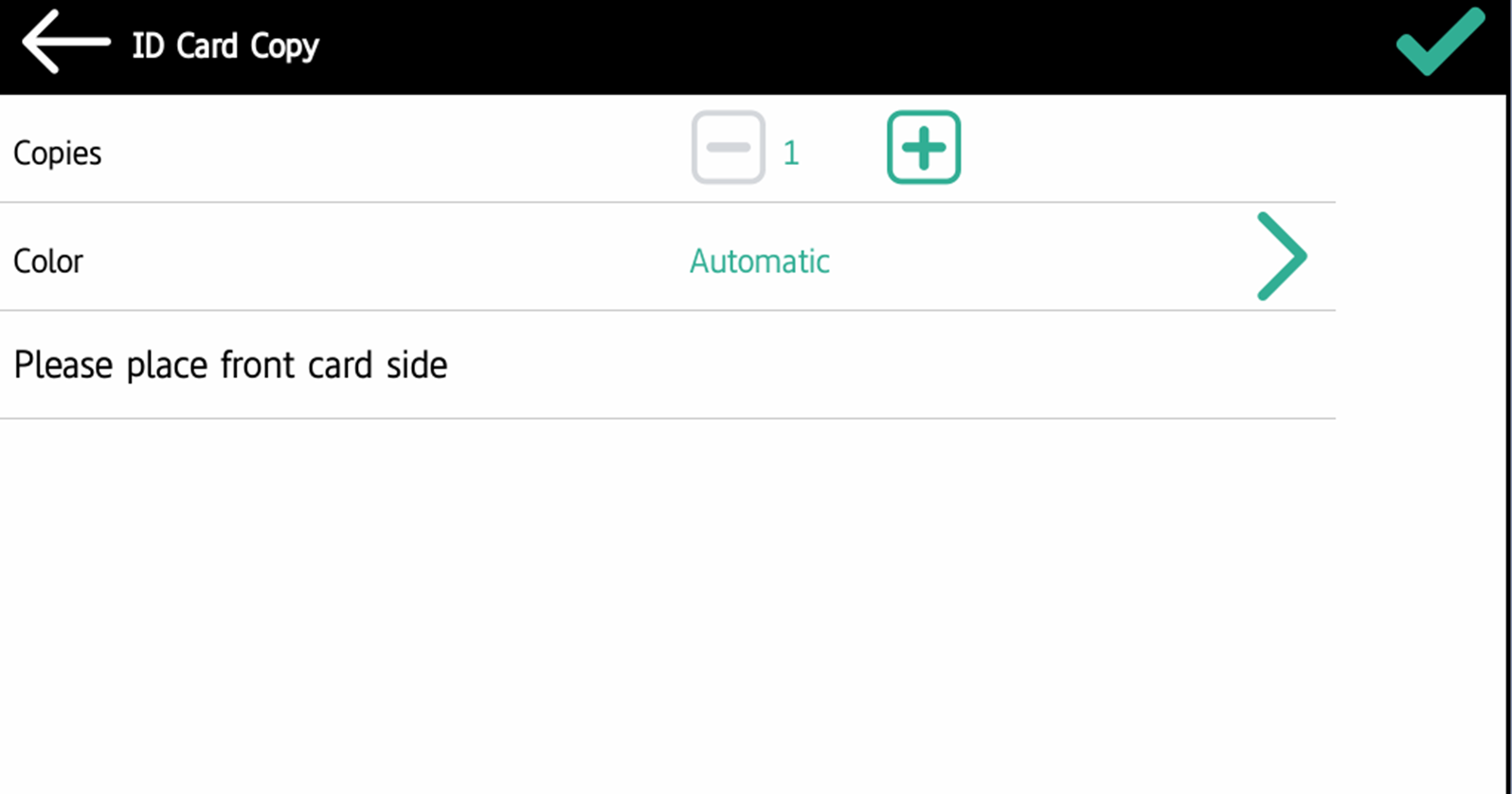
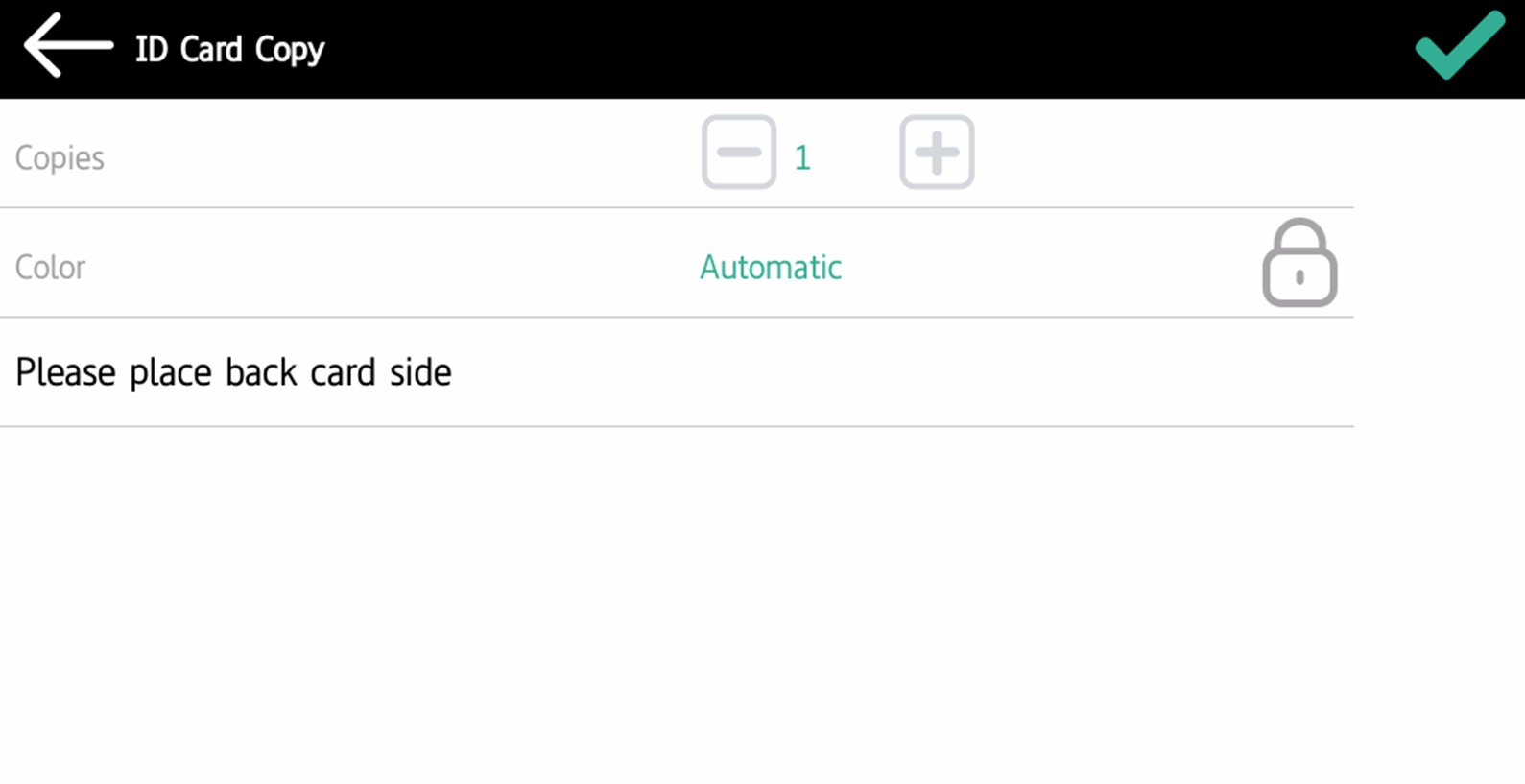
By tapping this action, users can create a copy, where both sides of an ID card are printed on a single page.
The ID card must be placed at the correct location on the glass. Users should follow the indication marks on the sides of the glass. If the ID card is misplaced, the resulting image will be cropped.
They can set the following parameters:
-
Copies - Number of printed copies.
-
Color - Select from automatic, color, monochrome or default.