
Über die Verknüpfung „Profil“ öffnen Sie den Bildschirm „Profil“, auf dem Sie aktuelle Informationen zu Ihrem Konto sehen können.
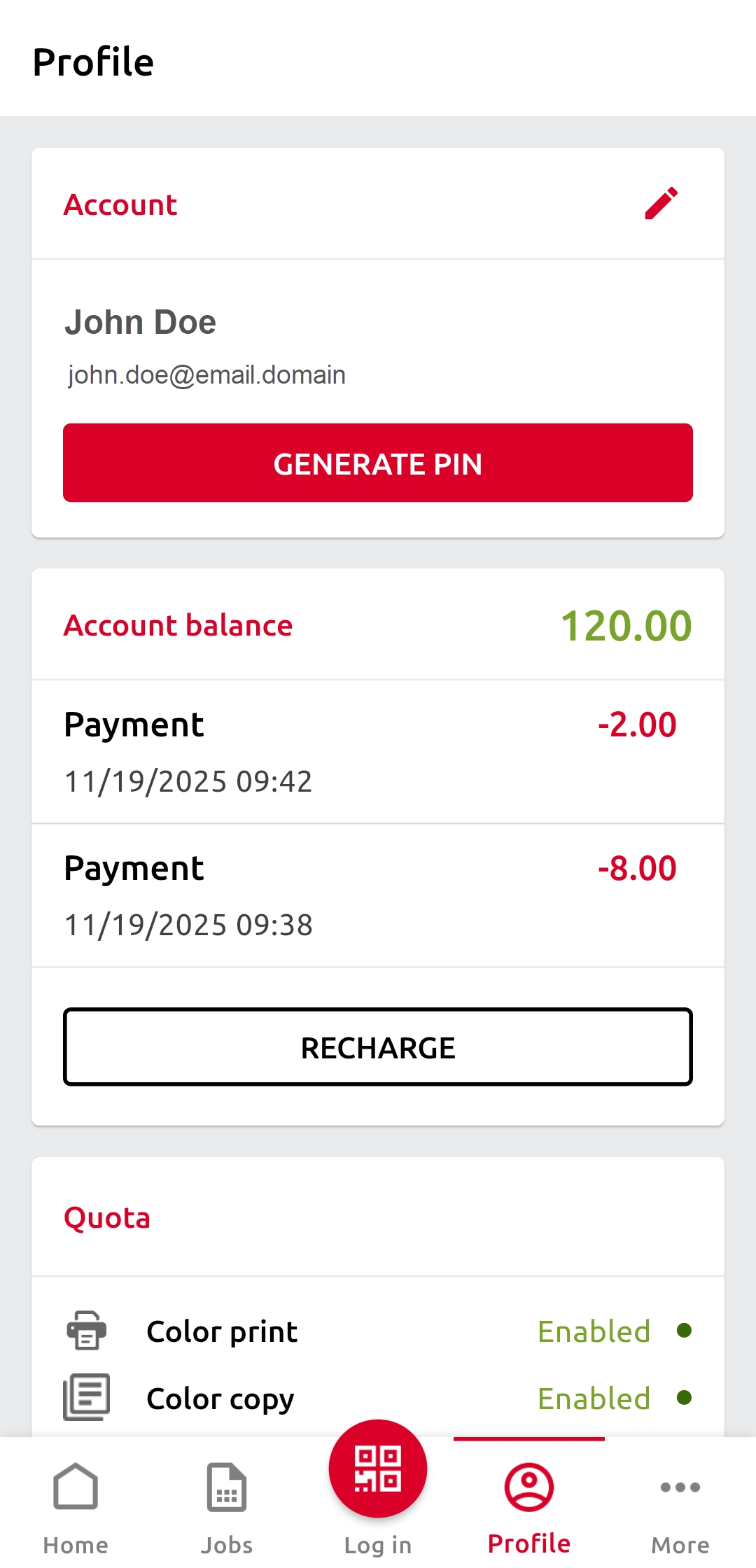
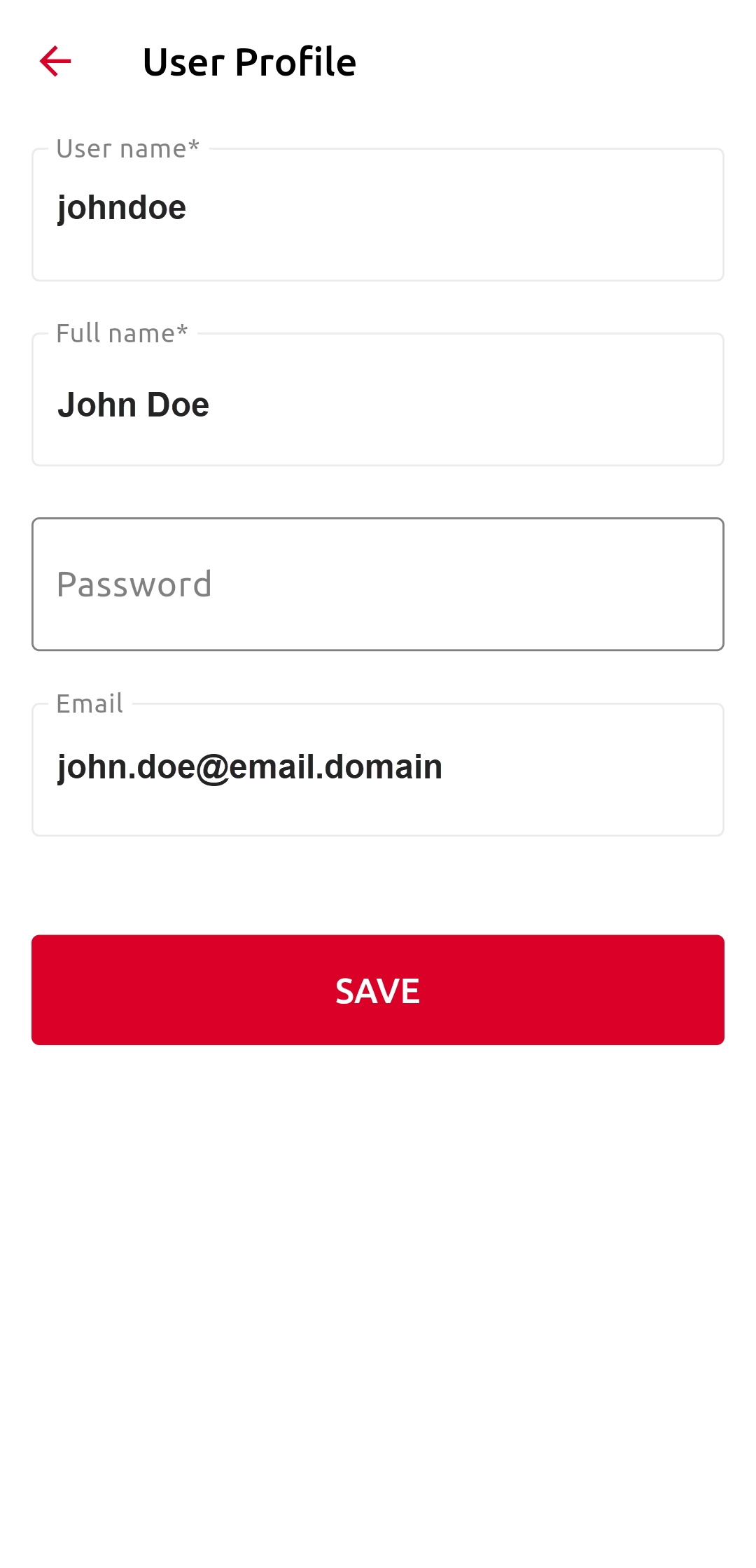
Um das Passwort und die E-Mail-Adresse Ihres Kontos zu ändern, tippen Sie im Abschnitt „Konto“ auf das Symbol „Bearbeiten“ (Bleistift).
Um einen neuen PIN-Code zu generieren, tippen Sie auf „PIN generieren“.
Im Abschnitt „Kontostand“ können Sie Ihren Guthabenstand einsehen und auf „AUFLADEN“ tippen, um Ihr Konto aufzuladen.
Im Abschnitt „Kontingent“ können Sie die Ihnen zugewiesenen Kontingente und deren aktuellen Status einsehen. Dieser Abschnitt ist nur sichtbar, wenn die Kontingentfunktion auf dem MyQ-Server aktiviert ist.