
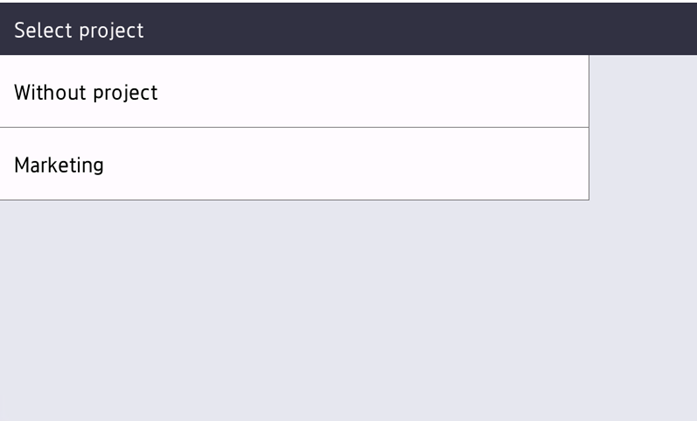
With the project accounting feature activated, users can assign projects to print, copy and scan jobs directly on the embedded terminal screen. Projects can also be assigned to print jobs in the MyQ Desktop Client pop-up window, on the MyQ Web administrator interface, or in the MyQ mobile apps.
Projects can be selected after user’s logs in and this project will be used for every job until user’s logout and end of user session.
When a user tries to release a job that was spooled with a different project, the screen is shown to the user with the reassigning information to the project which was selected after login.
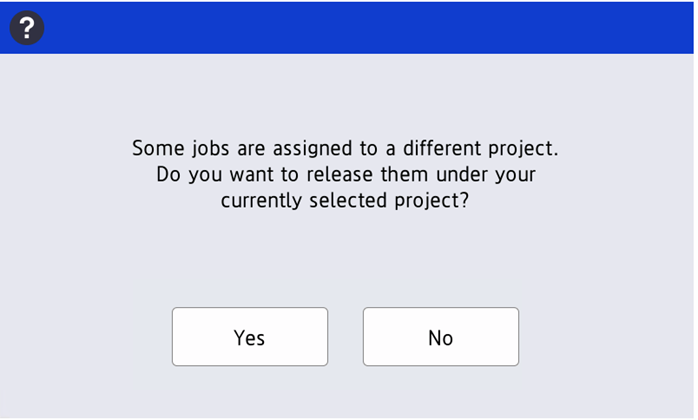
When Yes is selected the job is printed and accounted to the selected project. When No is selected the job is not printed.
Limitations
-
Only one project can be selected for the whole user session.
-
Scan without project is not supported.
-
Filtering and Ordering of the projects is not supported.
-
Favorite projects are not supported.