
With credit accounting activated, users must have a sufficient amount of credit on their account to be allowed to print, copy and scan. On their Credit status page on the embedded terminal, they can view their remaining credit.
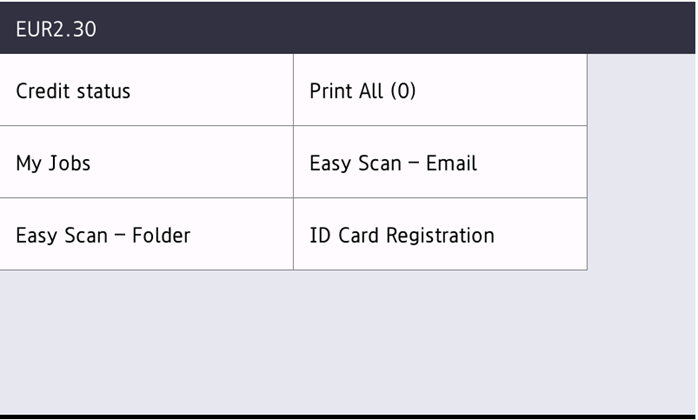
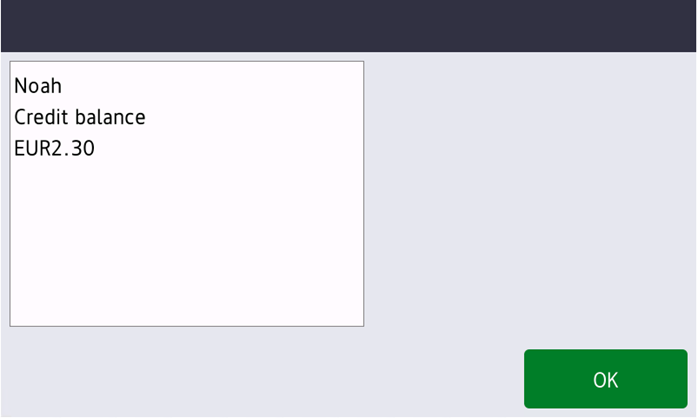
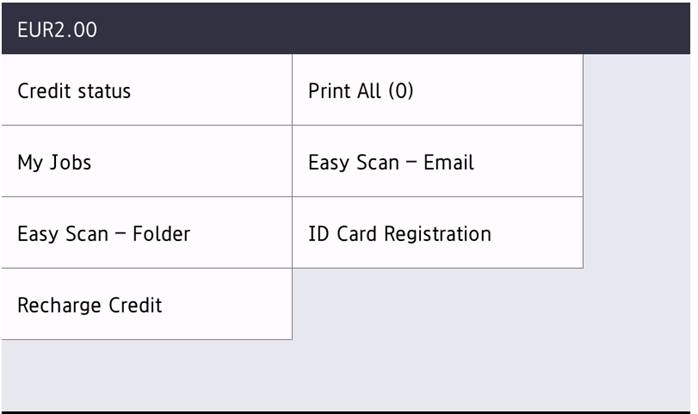
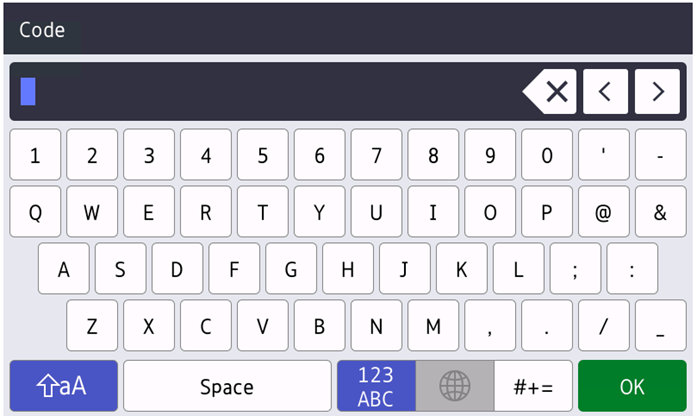
If the Recharge Credit action is available on the terminal, users can recharge their credit by entering a code from a recharging voucher directly on any embedded terminal.
If recharging credit by vouchers is enabled in MyQ, users without credit are asked to recharge after they log in. They are informed about the insufficient credit and automatically redirected to the Recharge Credit screen, where they can top up.
For more information, check Credit in the MyQ Print Server guide.
If a user’s Credit or Quota is depleted during copying, the action stops. However, depending on the device speed, there may be an overflow of several pages.
Recharging Credit
After tapping the Recharge Credit action, the Recharge Credit screen opens and the current user can enter a recharge code from their voucher.
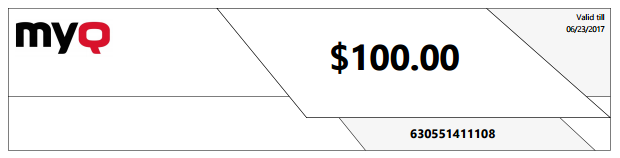
Using Terminal Actions with Insufficient Credit
If recharging credit by vouchers is enabled in MyQ, users can still see the actions that they do not have sufficient credit for. However, if they tap the particular action button, they are immediately redirected to the Recharge Credit screen.
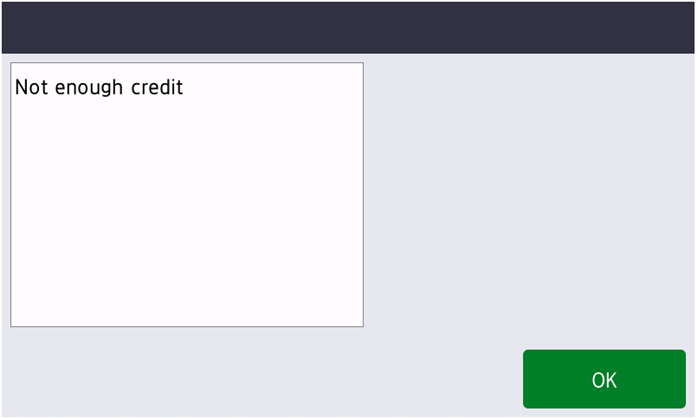
If recharging credit by vouchers is disabled in MyQ and a user does not have sufficient credit, all actions requiring credit are still available, after usage of the action the message “Not enough credit” is shown.
Limitations
-
Jobs not accounted by the server are correctly reflected in the credit balance only after the user logs out and the user session is closed.
-
When a device function is disabled due to low credit during user login, to enable it again, the user must logout and login again.
-
Not all color devices can separately apply the limit for color pages.
-
The correct amount of scan pages is accounted at the end of the user session.