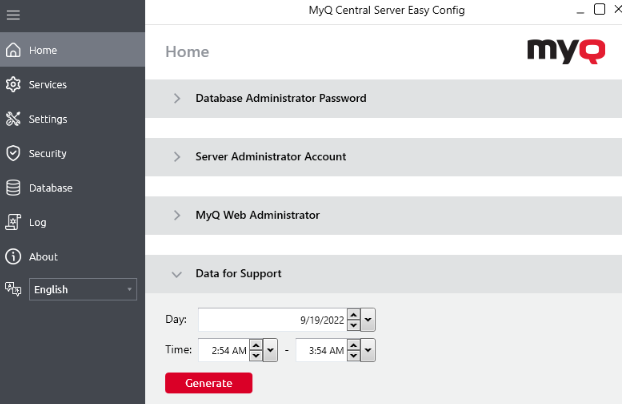
If you encounter a problem that requires help from the MyQ support team, providing detailed information about your MyQ system configuration, licenses, printer devices, terminals, etc., can be helpful in resolving your issue. You can generate a MyQ-helpdesk_%datetime%.zip file and send it to the MyQ support team.
Support ZIP File Contents
The .zip file contains:
-
MyQ log file
log_%datetime%.xlsx -
MyQ-helpdesk.xml
This XML file contains necessary information about the MyQ configuration. -
the Logs directory, with error logs from Apache and PHP
-
Windows Event log
-
The file statsData.xml
The MyQ log file corresponds to the MyQ log that can be displayed on the MyQ Web Interface or in the MyQ Easy Config application.
How to Generate Support Data
-
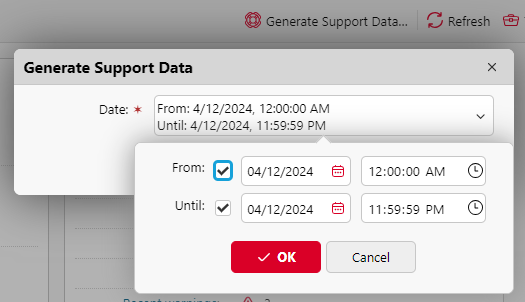
Click Generate Support Data at the top of the Home dashboard.
-
Specify the Date range of the MyQ events to include in the MyQ-helpdesk file, and click OK.
-
Click Export. The file is generated and saved to your Downloads folder.
You can also generate data for support in Easy Config. On the Home tab, under the Data for Support section, set the Date and Time for the data, and click Generate. The file is generated and you can select where to save it.