
In today's rapidly evolving work environment, organizations require smart solutions that adapt to their changing needs. The days of working in a traditional fixed office setting belong firmly in the past.
Now companies have to contend with remote locations, hybrid work environments, and employees who need to be mobile to complete their daily tasks.
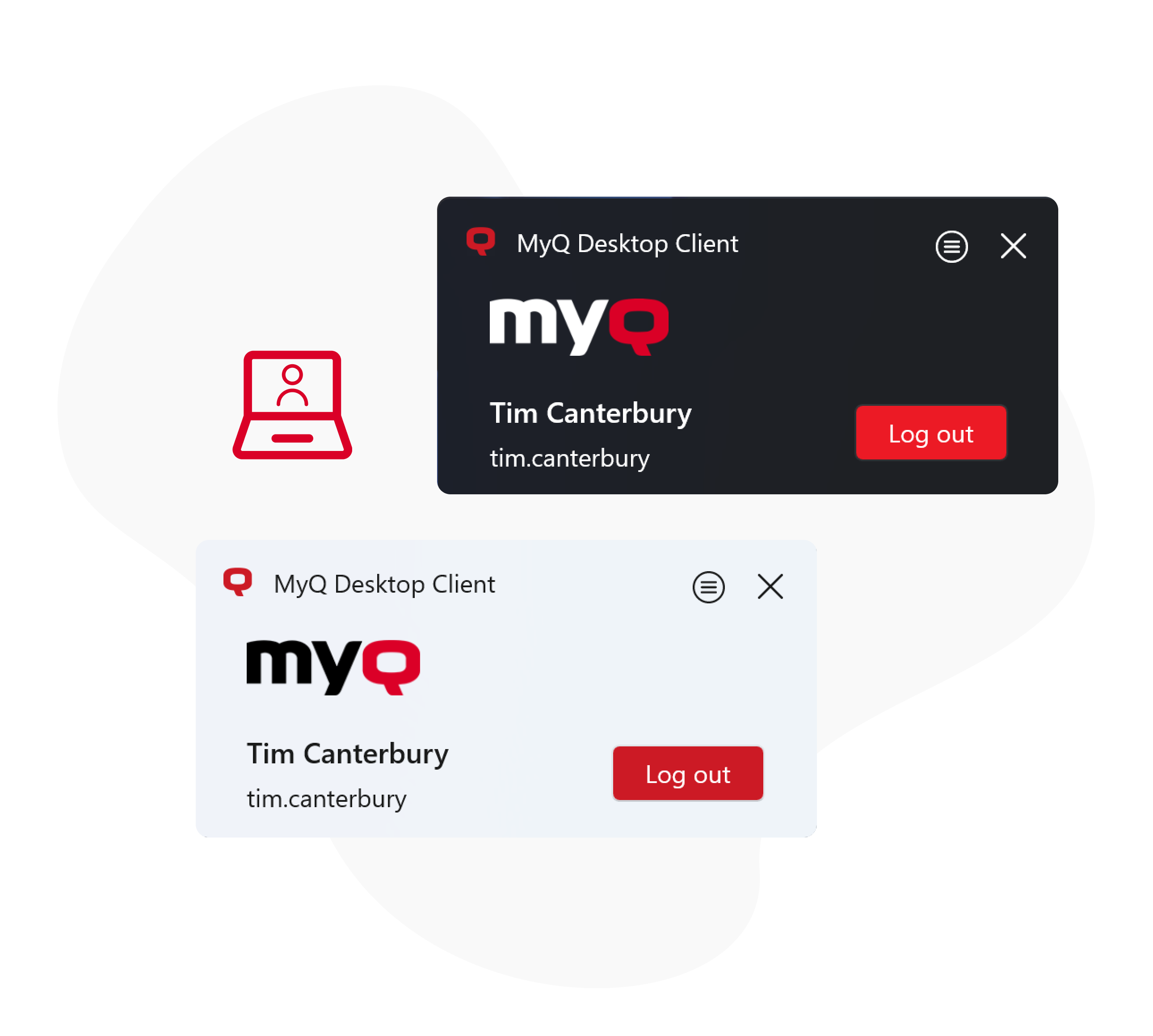
MyQ, through collaboration with its customers, has developed a unique value-added client for its MyQ X print management solution called MyQ Desktop Client (MDC).
What is the MyQ Desktop Client
MDC is a software client designed to provide intelligent solutions to user print mobility, failover printing, and several other functions to support organizations with smart work environments.
MDC provides a range of additional printing options and MyQ X features, including user identification, print job encryption, integrated job parsing, automatic printer provisioning, job accounting, and alternative printing options like client spooling, fallback printing, and more.
It can also monitor and apply print policies for locally connected multifunction printers. With MDC, IT administrators and users can enjoy enhanced functionality and convenience, making it an essential tool for businesses in today's smart work environment.
MyQ Desktop Client is available for Windows and macOS.
It is provided free of charge to customers using MyQ X, regardless of the licensed edition (Smart, Enterprise, or Ultimate).
Overview of the Desktop Client’s Features
Here are the key reasons to consider whether MyQ X’s Desktop Client is the right choice
for your organization.
Printing
|
MyQ X 10.2
|
|---|---|
|
Secure Printing via MyQ X Print Server (with Cross-vendor Support) |
|
|
MDC’s Client Spooling for Direct IP Printing (with Cross-vendor Support) |
|
|
|
|
|
|
Configuration Profiles for Specific Clients (per IP ranges or Hostnames) |
|
|
Public Mode for Shared Workstations and Release Stations |
|
|
Local Monitoring of USB-connected Devices |
|
|
Printing to Device Spooling-enabled MFDs (failover and serverless printing)1 |
|
|
Fallback Printer Selection for Server Downtime Period |
|
|
Auto Location Switching in Multi-Site Environments |
|
|
Printing Rules and Interactive Printing Prompts |
|
Accounting & Billing
|
|
|
Quota |
|
|
Credit (Pay-for-Print) |
|
|
Cost Center Assignment |
|
|
Project Assignment |
|
Authenticaton & User Profile
|
|
|
Sign in with PIN |
|
|
Sign in with ID Card |
|
|
Sign in with Sign in with Microsoft |
|
|
Sign in with Username+Password |
|
|
Automatic Integrated Windows Authentication for Domain Users |
|
|
Quota/Credit Balance Status |
|
|
Generate New PIN |
|
Printer Provisioning
|
|
|
Remote Printer Driver Deployment in Domain Environments |
|
|
Print Driver Deployment in Domain-less Environments & BYOD |
|
|
Print Driver Deployment Based on Security Groups |
|
|
Print Driver Configuration Profiles (Predefined Printing Defaults Supported) |
|
|
Secure Forward Printing to MyQ X Print Server |
|
|
Client Spooling for Direct IP Printing |
|
|
Universal IPP Printer Provisioning |
|
|
Windows, macOS Support |
|
1 Support for Kyocera and Ricoh Embedded Terminals
Read More