
By tapping this action users can create a copy of both sides of an ID card on a single page.
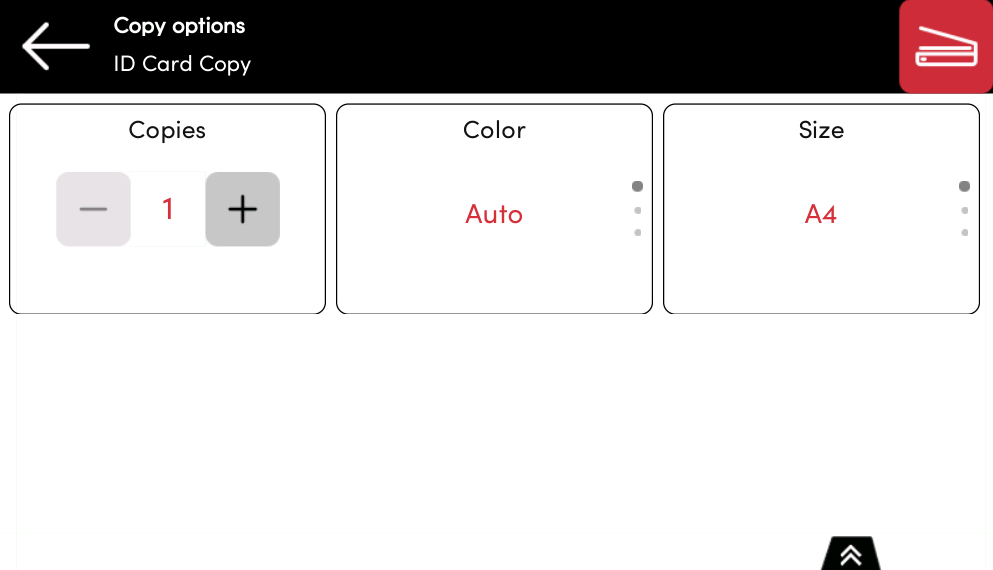
The following parameters can be set:
-
Copies - Number of printed copies.
-
Color - Select from color, monochrome or gray scale.
-
Size – Select from A4, A5 and Letter.
When you copy an ID card using the Embedded Terminal, the front and back images are printed side by side in landscape orientation and aligned to the right.
The layout may differ from ID card copies made using the native panel.