
Scanning by a single touch. After the user taps this action, the page is immediately scanned to a predefined destination. You can set the scan parameters and define multiple destinations where the scanned document is sent.
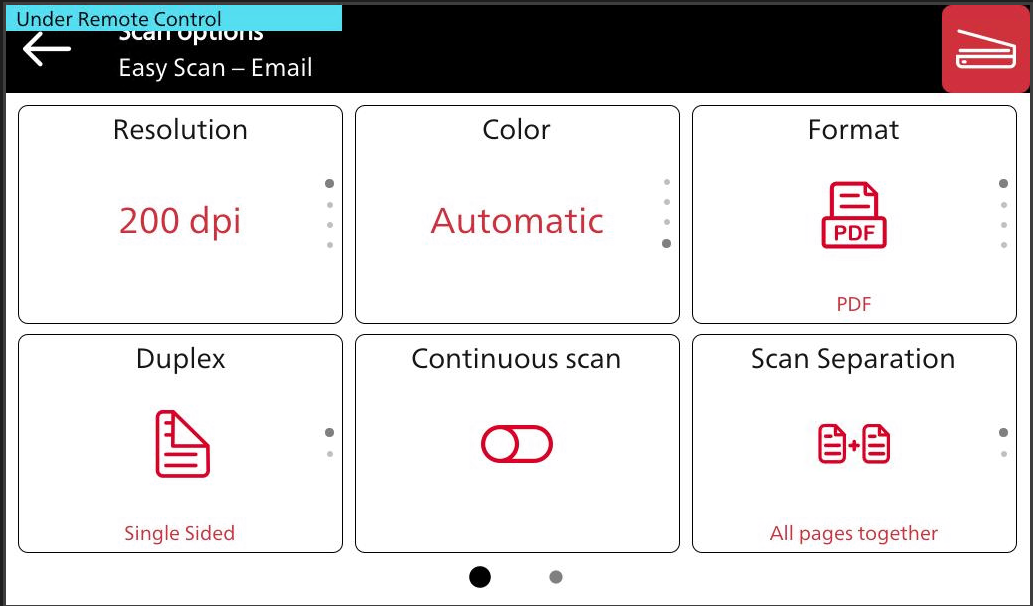
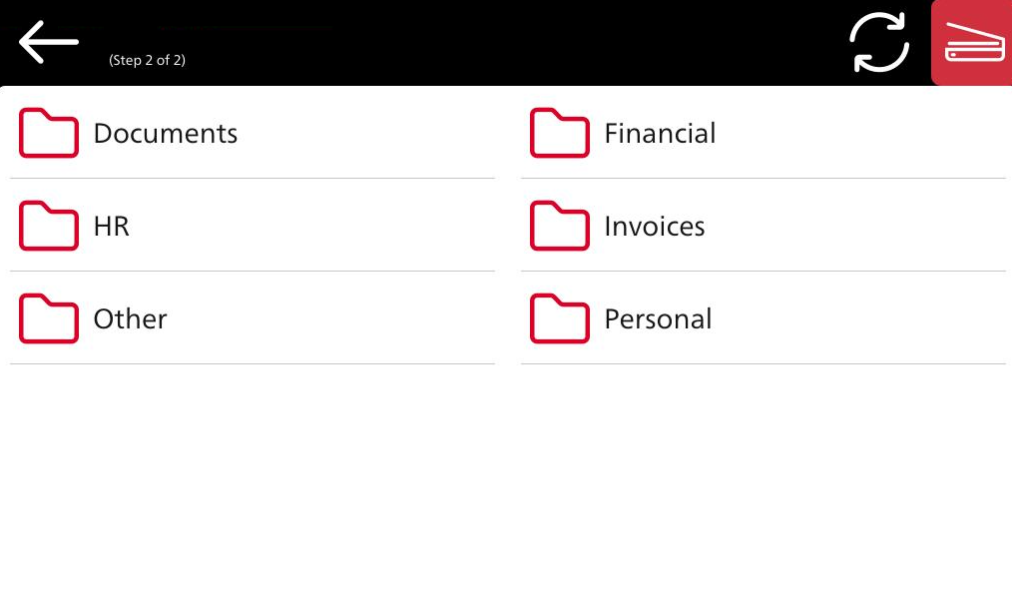
For information on how to configure the Easy Scan action and define its destinations and parameters, check Easy Scan settings in the MyQ Print Server guide.
Limitations
-
Background Suppression
If during a scan the image is set to "Photo", background suppression is disabled. -
Native Continuous Scan
The "Add Next Original" option appears while scanning and cannot be disabled. -
Original Orientation
Models without the "Automatic Upright Function" may produce incorrectly oriented scans. -
Scan file size
The Fujifilm package accepts scan files up to 2.1 GB.