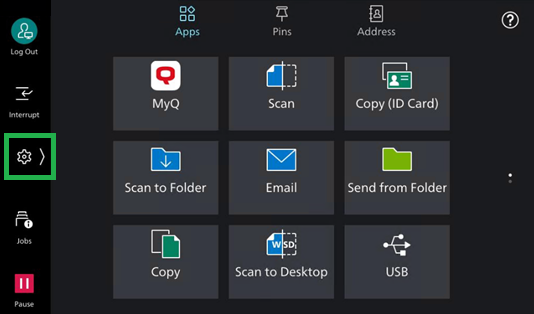
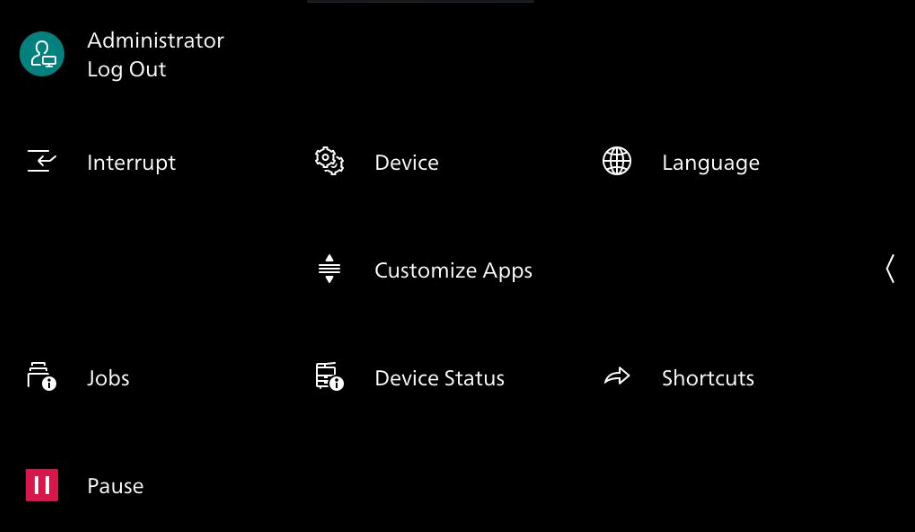
From the terminal’s Admin Menu, you can access and change the terminal settings. To access the admin menu:
-
On the terminal login screen, press the MyQ logo to open the Administrator Login screen.
-
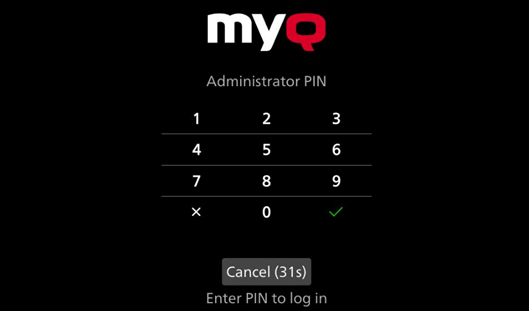
Enter the admin PIN (set in the MyQ Web UI in the devices Configuration Profile, under Fujifilm, the default is 1087) and then select Admin Login.
-
A dialogue appears where you can choose to Cancel or Log in as Administrator, selecting the latter opens the Device Administrator Login.
-
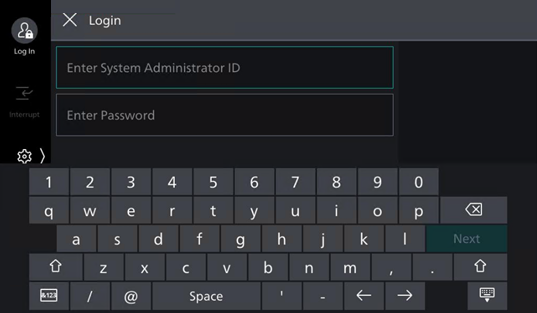
Enter the System Administrator ID and Password, you will be directed to the native device panel. Click the Settings icon to open the devices administrator settings.