
In the System maintenance section, you can delete data from the MyQ database, and manage advanced options.
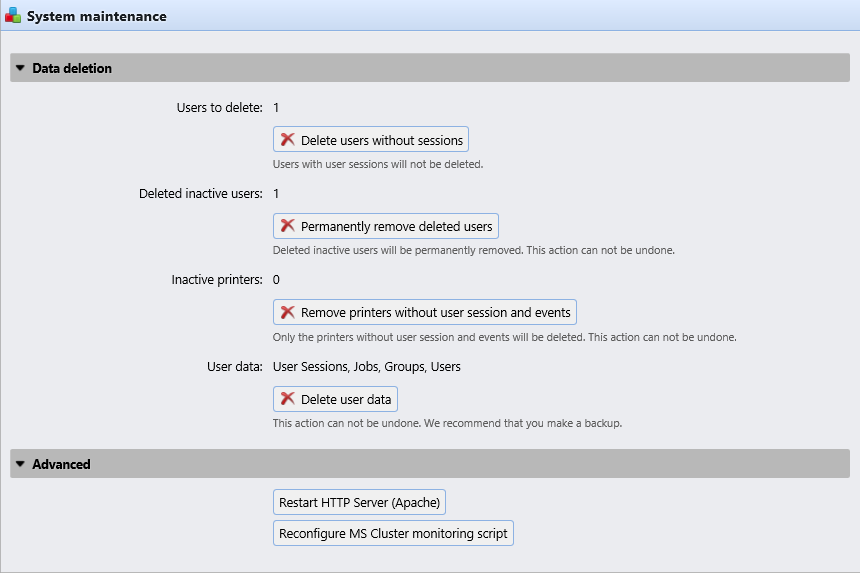
Data Deletion section
The delete/remove buttons perform the following actions. These actions cannot be undone. It is recommended you backup your data before performing any of them.
-
Users to delete: Deletes all users without user sessions.
-
Deleted inactive users: Removes all inactive users from the MyQ database.
-
Inactive printers : Removes all printers without a user session from the MyQ database.
-
User data: User Sessions, Jobs, Groups, Users: Removes all user related data from the MyQ database.
Advanced section
-
Click the Restart HTTP Server (Apache) button, to restart the HTTP server.
-
Click the Reconfigure MS Cluster monitoring script button to reconfigure the MS Cluster monitoring script.