
-
On the list of price lists on the Price Lists settings tab, double-click the price list. The new price list properties panel opens on the right side of the window.
-
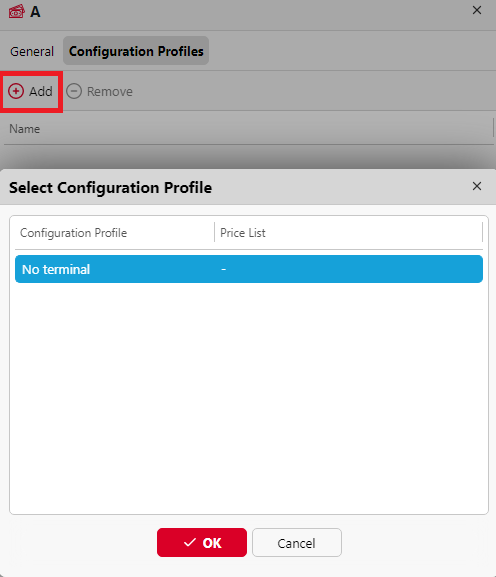
Go to the Configuration Profiles tab.
-
Click +Add. The Select Configuration Profile window opens.
-
In the dialog box, select the configuration profile that you want to attach the price list to.
-
Click OK. The configuration profile appears on the printing devices list on the Printers tab.
You can also attach a price list to a configuration profile when you go to Settings, Configuration Profiles. In the overview, double-click a profile and change the Price List in the right pane on the window.
You cannot attach more than one price lists to a single configuration profile. If you add a price list to a configuration profile that already has a different price list attached to it, the old price list is replaced by the new one.