
When you want to uninstall MyQ from the current server, there are two options:
Option 1: Uninstall in Windows
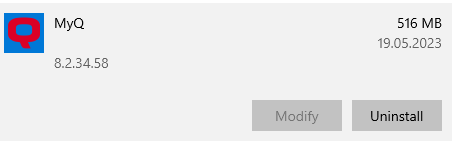
Use standard Apps & features, find MyQ, and press the Uninstall button.
Option 2: Manually
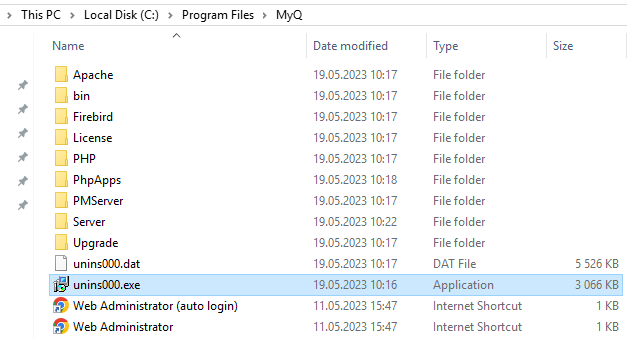
You can run the unins000.exe from the Program Files folder of the installation (by default C:\Program Files\MyQ).
The uninstaller will remove the program part of the MyQ installation.
Uninstallation will leave the data partially intact including the main & log databases, backups, reports, certificates, secured scans, and print jobs.
-
You can still find your data in the Data folder (by default C:\ProgramData\MyQ). You can delete them manually if you wish.