
Once documents have been submitted to a document queue, any user assigned as a reviewer can log into Scan Review and Approve or Reject a document. If approved, the document is then sent to the specified destination.
When a document is approved, Scan Review generates the Transfer Note and prepares the final PDF/A file for delivery. The PDF/A file contains the Transfer Note and the metadata XML file as embedded attachments. If document signing is enabled, the document is digitally signed before delivery.
Currently only non-admin users can review documents.
In Documents for Review reviewers can see a document’s Name, Protection Level, Scan Operator (user who submitted the document), Timestamp, and Queue Name.
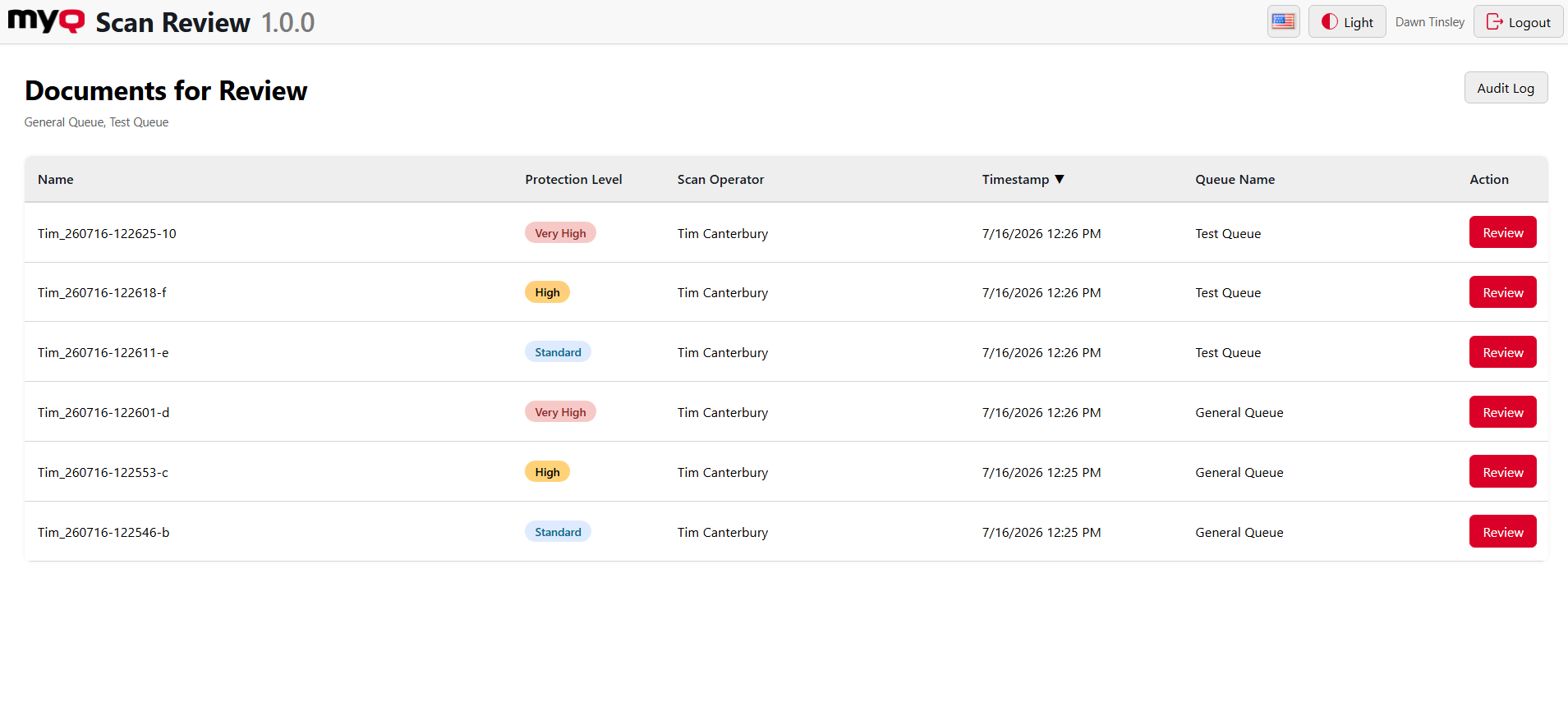
They can also access the Audit Log where approvals and rejections are reported. Rejections are listed under the event Rejected and approvals are listed under the event Archived.
Reviewing Documents
After clicking Review for a particular document, a detailed panel opens, here reviewers can:
-
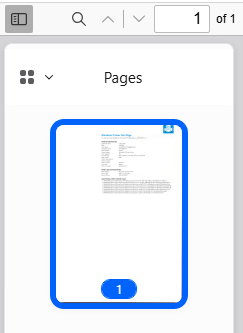
See an overview of pages in the document in the left-hand panel
-
Search for specific words or phrases in the document

-
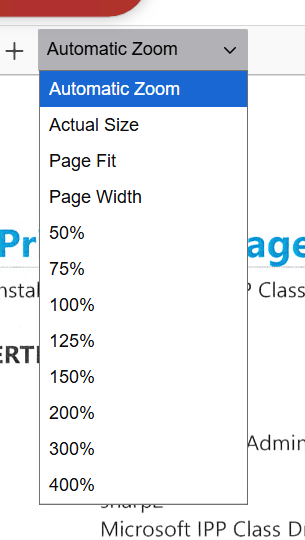
Change the Zoom level with which they are viewing the document.
-
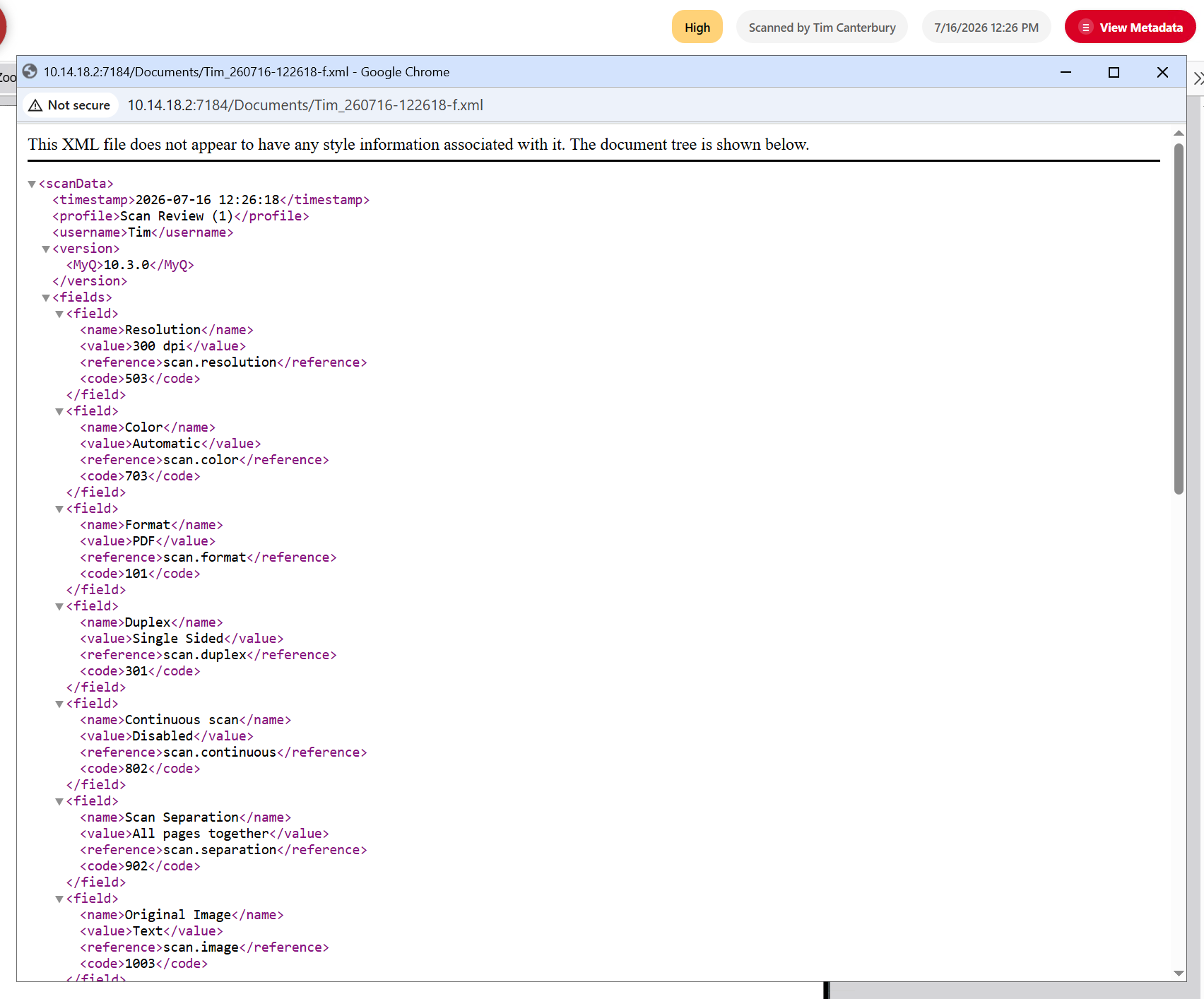
View the document metadata.
-
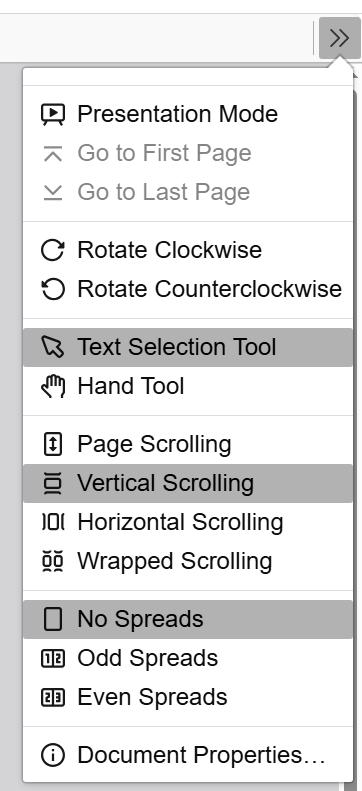
Utilize document tools.
-
And finally, Approve or Reject the document. When rejecting a document, a reason of at least 10 characters must be entered. When approving a document any abnormalities or notes can be entered, but this is optional.
