-
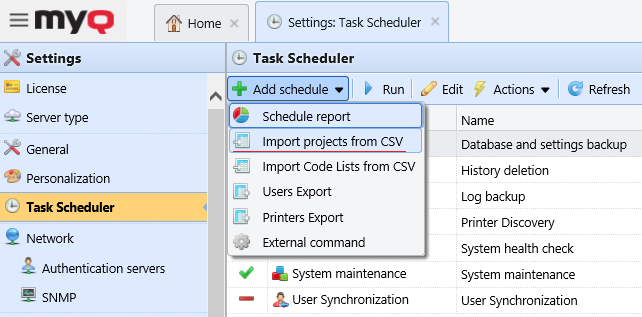
On the Task Scheduler settings tab, click +Add schedule, and then Import projects from CSV. The properties panel of the new synchronization opens on the right side of the screen.
-
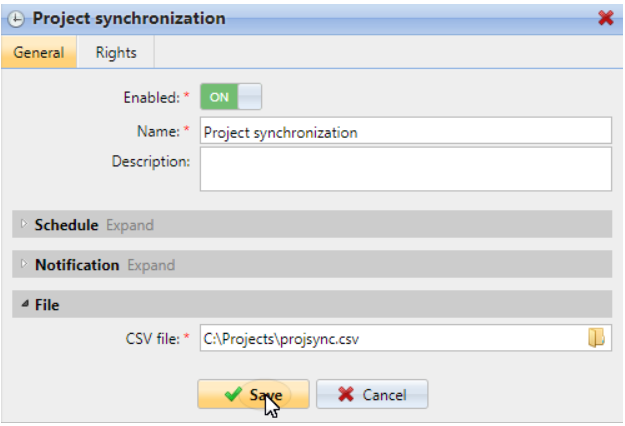
On the panel, set up the schedule, as described in Task Scheduler.
-
In the File section, browse and select the CSV file (the file should be stored on the MyQ server).
-
Click Save.