
This topic discusses terminal features on the MyQ Brother Embedded terminal.
The default terminal actions are:
-
Print All
-
My Jobs
-
Easy Scan to email
-
Easy Scan to folder
-
ID Card Registration (only visible if ID Card is enabled as a login method)
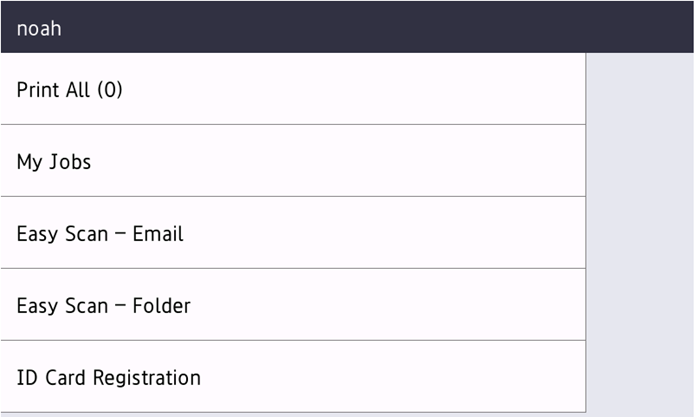
You can configure the device to display Top Menu immediately after login (default option) in Administrator > Solutions > Screen displayed after Login should be set to Solutions Menu).
Alternatively, it can be displayed after the pressing the Solution button in Administrator > Solutions > Screen displayed after Login should be set to Home Screen.
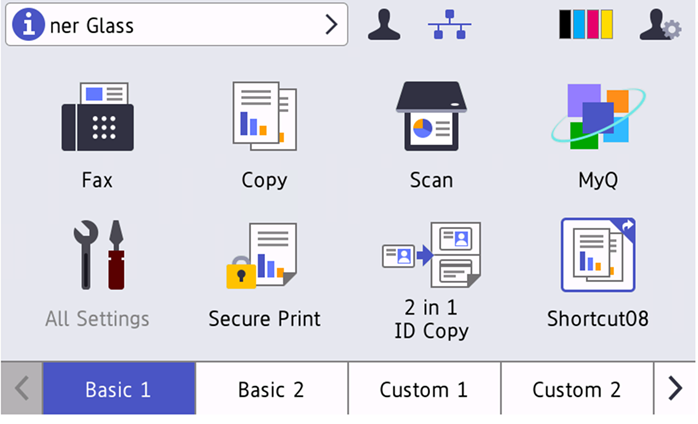
Native panel access: after login, the native panel is always available via the Home button.